Plan playground inspections. Resolve defects together.
Schedule recurring playground inspections, record results in checklists and track defects through to completion. QR reports from parents and carers reach the same team.
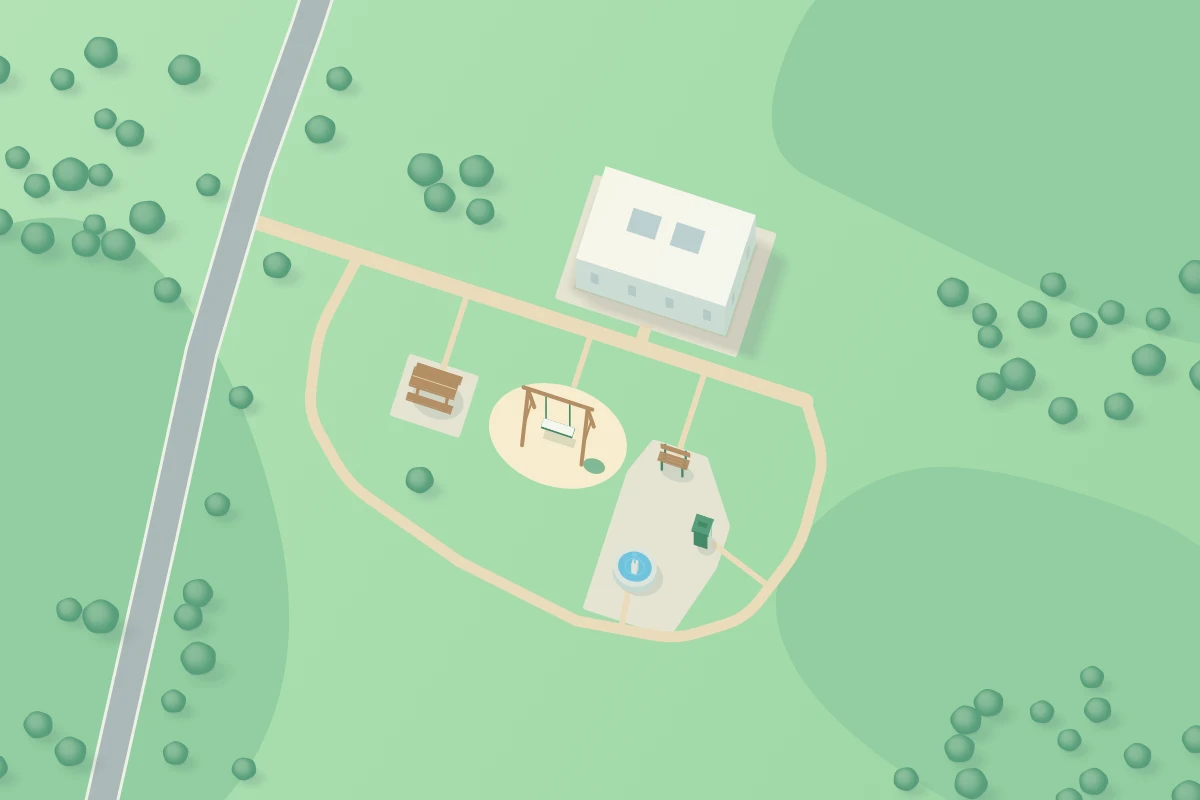
The play area sits between a kindergarten, drinking fountain and seating. Loose groups of trees frame the open space.
Drag · Click to enable scroll zoomTwo fingers to move and zoomDrag the map with your mouse. Click it first to enable scroll-wheel zoom. On touchscreens, use two fingers to move and zoom. Use the arrow keys to move, plus or minus to zoom, and Home to reset the view.
Fictional sample map. Places and layout are for illustration.
Kleegärten playground
Drinking fountain
Parkweg bench
Waste bin
Picnic site with fireplace
For everyday work on site
Turn individual steps into a clear workflow.
An inspection reveals a loose wooden slat; a parent reports broken glass. Both belong to the same playground. Your team finds the due checklist at the asset, records defects as linked reports and documents responsibility, progress and completion.
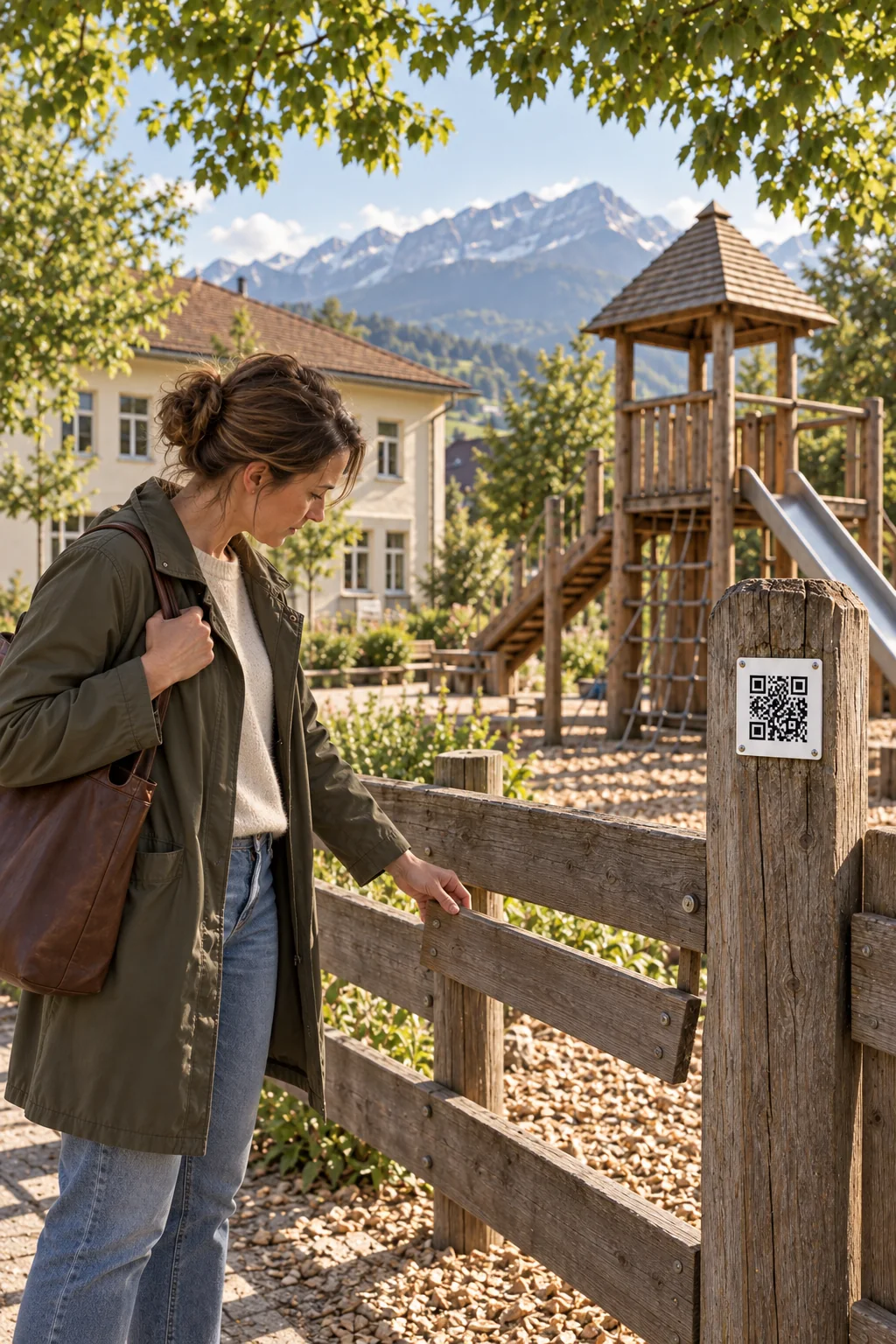
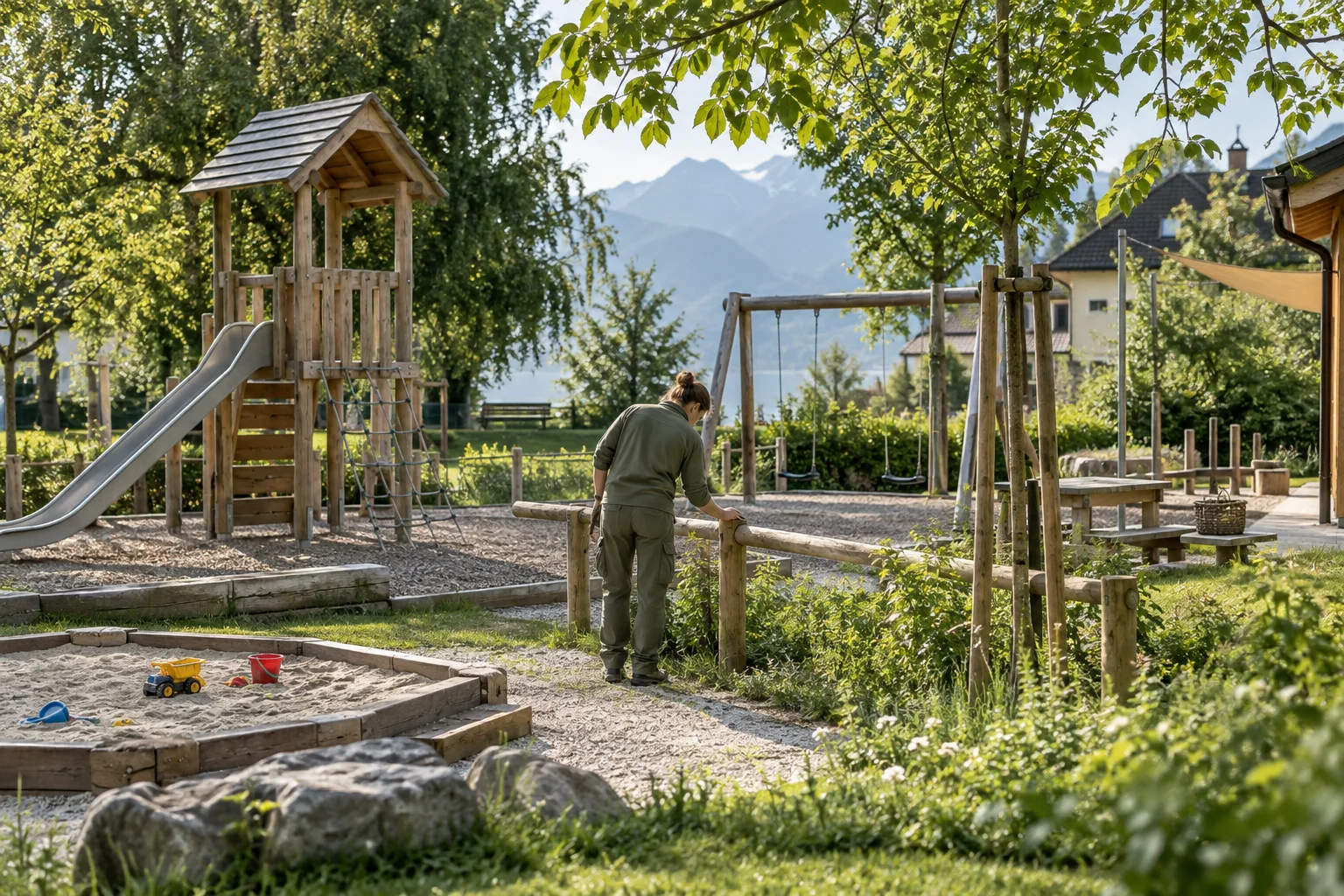
Care for the next visit.Illustrative scene · AI-assisted
After the scan
Get informed. Then get involved.
A QR code opens the public asset page. People can find information about the place and start a report if needed.
Example · Public asset page
Caretaking and public works
Playground by the kindergarten
Welcome to our playground. Please be considerate of others and leave the area clean. Have you noticed damage or litter? Let us know.
Example: guidance for visitors is included in the asset description.
One possible workflow
01
Prepare inspections
Define checklists and their schedule for the playground or its category. Due inspections appear on the board and can be found at the asset.
02
Inspect and record on site
Authorised staff open the due checklist at the playground. A defect becomes a report linked to the asset. Inspections and recording findings require an internet connection.
03
Follow defects through to completion
The caretaking or public works team assigns responsibility and priority. Comments, photos and progress stay with the record, while inspection history stays with the asset. The next shift can see what remains open and what is done.
Can a QR code show information before someone reports an issue?
Yes. A QR code can open the public asset page. Visitors see its name, description, responsible departments and approved images. You can share playground guidance or construction project information, for example. An action on that page opens a report linked to the same asset.
Do we need to replace the QR code when information changes?
No. As long as the asset and QR code remain active, the existing code continues to lead to the same asset. Your team can maintain its description and images in the platform. Updated information appears the next time the page is opened, without reprinting the sign.
Do people need an app or an account to submit a report?
No. A QR code or link opens the form directly in the browser. Residents, staff and tenants can submit a report without installing an app or creating an account.
How do people find out what happens to their report?
After submission, they receive a confirmation with a private link. They can use it to follow progress or withdraw their report. Email notifications can also be used when the relevant contact details have been provided.