Bring reports and tasks together
Handle incoming reports and create internal tasks in the same overview. You can also record an issue received by phone as a report.
 powerlocal.
For public works teams
Organise reports, internal tasks and equipment so your team can get on with the work on site.
See the workflow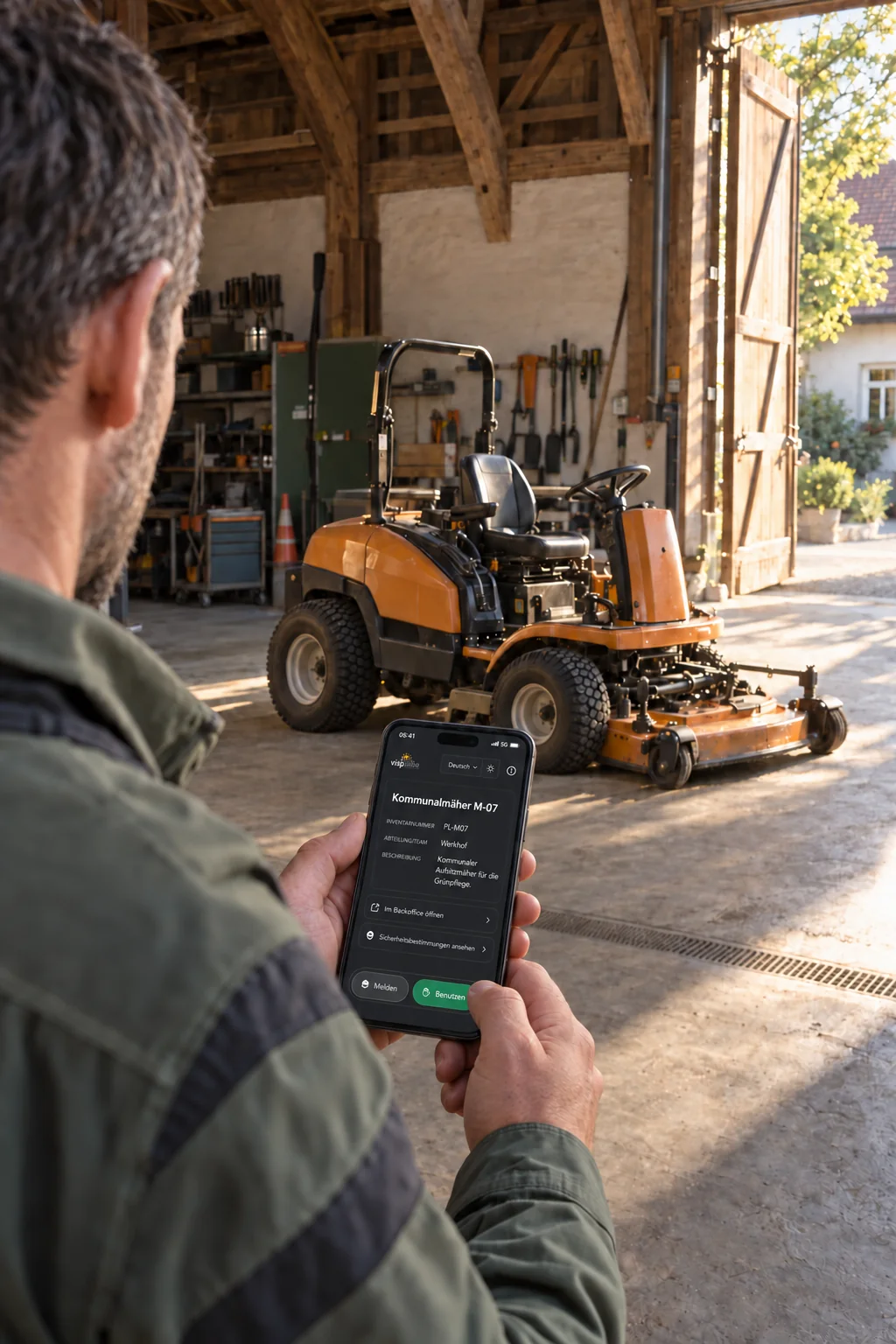
For everyday work on site
Planned work and reports from residents come together at the municipal depot. Reports submitted through QR codes on public facilities are already linked to the relevant asset. Your team assigns tasks, sets due dates and records completion.
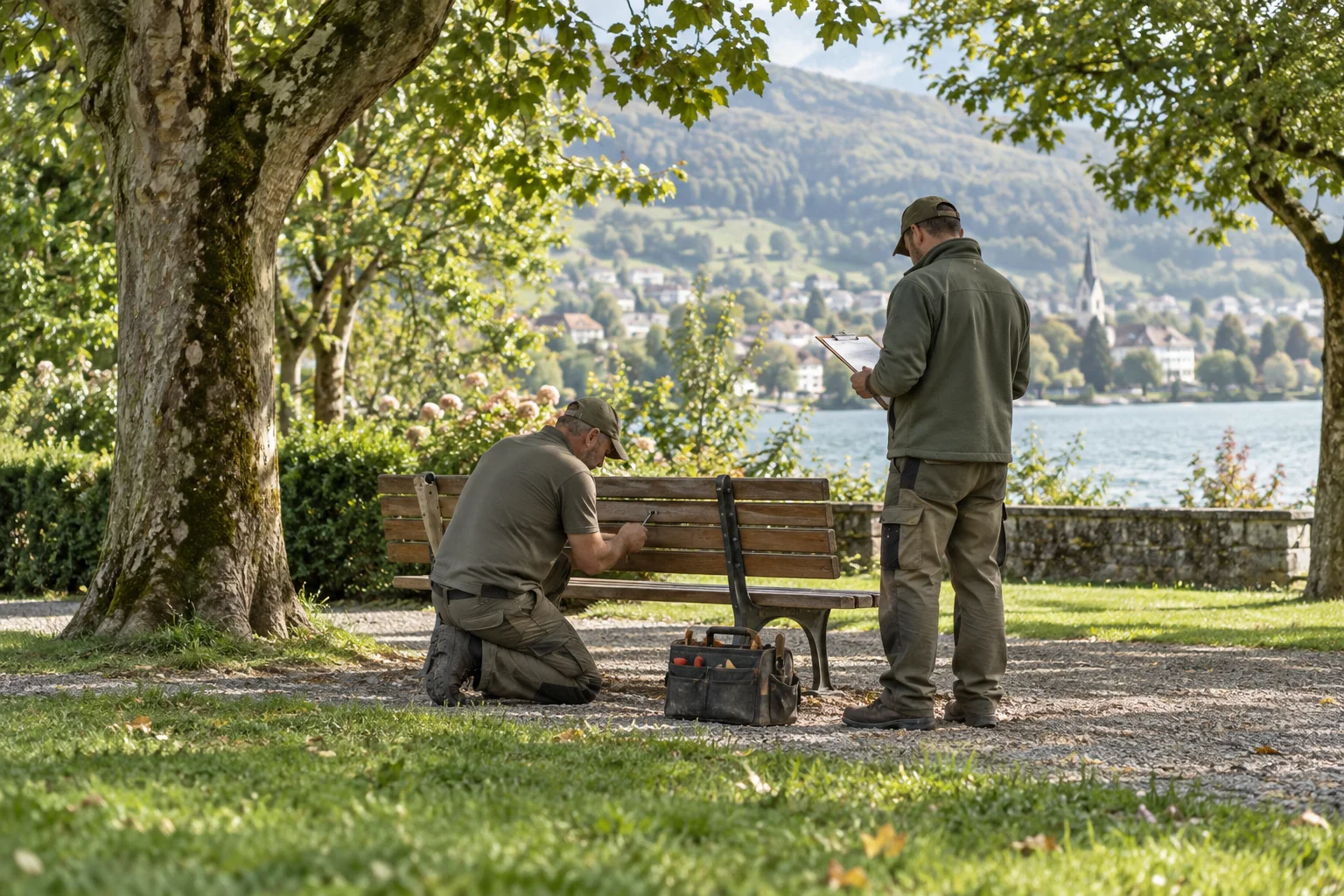
Handle incoming reports and create internal tasks in the same overview. You can also record an issue received by phone as a report.
Assign tasks to a person and set suitable deadlines. The board and filters help you spot open and overdue work.
Record follow-up questions, work carried out and completion in the report. Linked reports and tasks remain accessible from the inventory asset for future visits.
Any more questions?
Yes. The team can create internal tasks directly, assign them to a person and set a due date. They are organised in the same workspace as incoming reports.
Open in the FAQStaff can enter these issues in the platform themselves. Responsibility, status, comments and subsequent work then follow the same workflow. This does not imply an automatic import from an email inbox.
Open in the FAQYes. Inventory assets can have their own QR labels. A report started from a label retains its link to the asset; linked reports and tasks remain accessible from that asset's entry. The inventory also supports recording check-outs and returns.
Open in the FAQThe current platform requires an internet connection. Offline capture with later synchronisation is a possible extension that would need to be planned separately. It is not currently included as standard.
Open in the FAQMade for these places, too
The next step
Your field, scale and suitable plan: the key facts for your project. A live video demo is available if you would like one.