Turn an observation
into a task.
Scan the QR code, describe the issue, done. Your report reaches the people who handle it.
See how it works powerlocal.
Municipalities, works yards, properties
One report. The right team. A better place.
Power Local brings reports, tasks and inventory together. So someone takes care of it.

For the people
who take care of things.
Less searching. More doing.
The broken light, the next maintenance job, the missing document. Finally together, instead of scattered across emails, notes and spreadsheets.
Scan the QR code, describe the issue, done. Your report reaches the people who handle it.
See how it worksResponsibilities, dates and progress on a shared board. Stay informed on the move, too.
See the board in actionInventory, documents and past reports belong together. One scan takes you straight to the asset.
Explore the platformSmall step. Real impact.
A quick report for the person on site. A clear starting point for your team.
The QR code already identifies the asset and location.
What happened? A photo is optional.
The responsible team takes over. The status stays visible.
Your municipality SampleOBJECT FOUND
Something not quite right? Let us know.
REPORT AN ISSUE
Bench on the town square
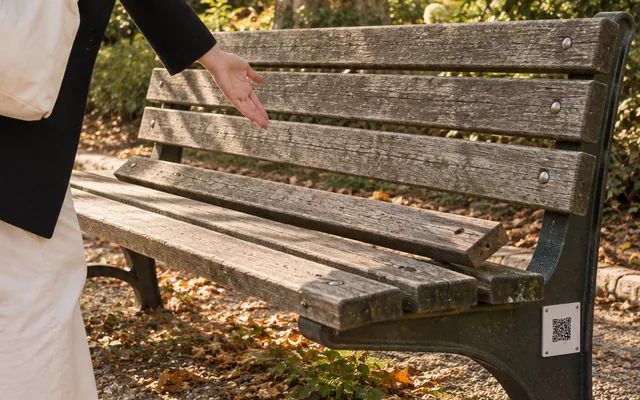
No sign-up. Contact details are optional.
WHAT HAPPENS NEXT
Follow a report from the first notification to its resolution.
With the people on site
A QR code at the playground, on a construction fence or at a building entrance. People find useful local information and can report anything they notice.
How QR asset pages work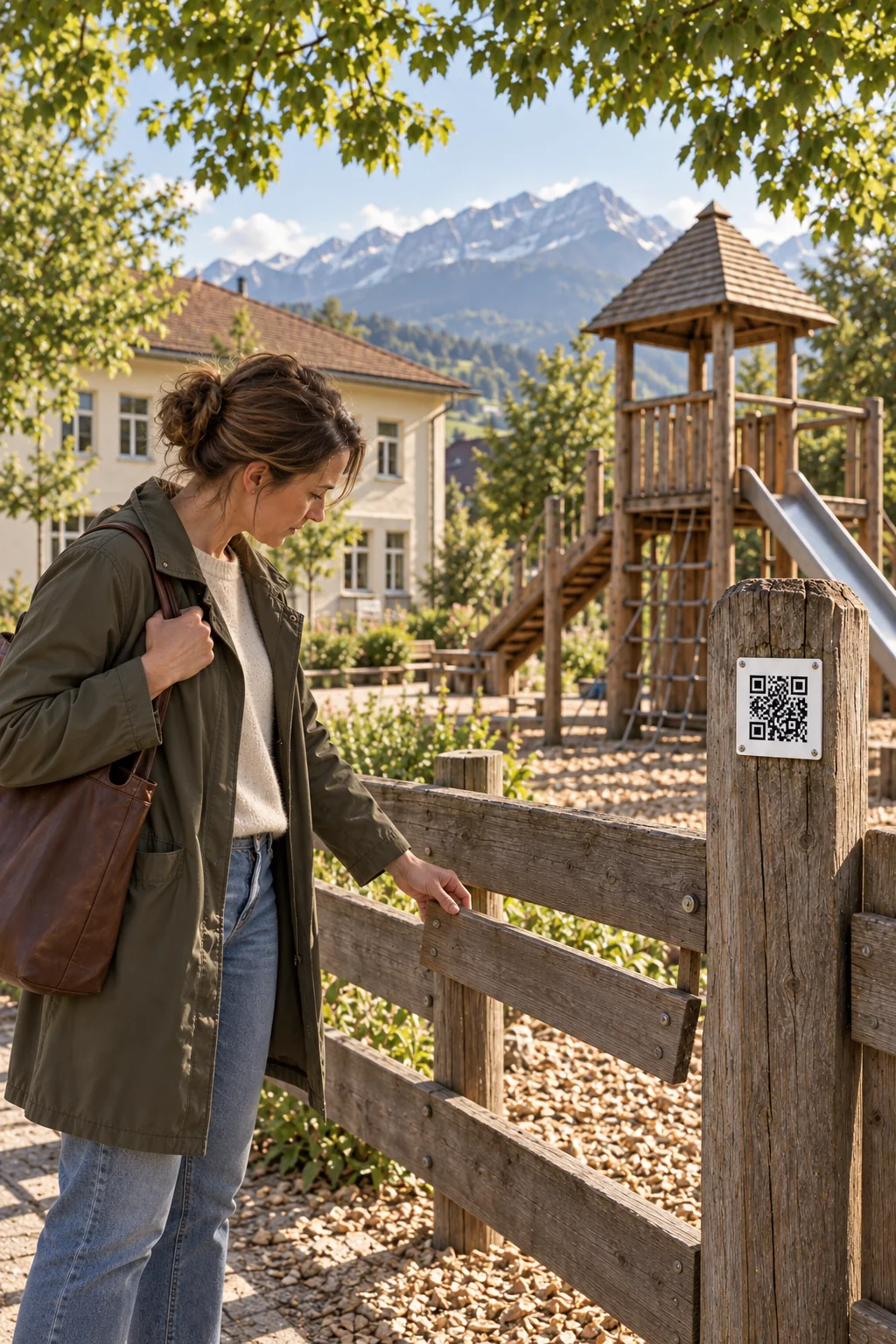
For playgrounds and kindergartens
For municipalities
For construction sites and projects
For municipal planning and administration
For property managers
For schools and facilities
For public works teams
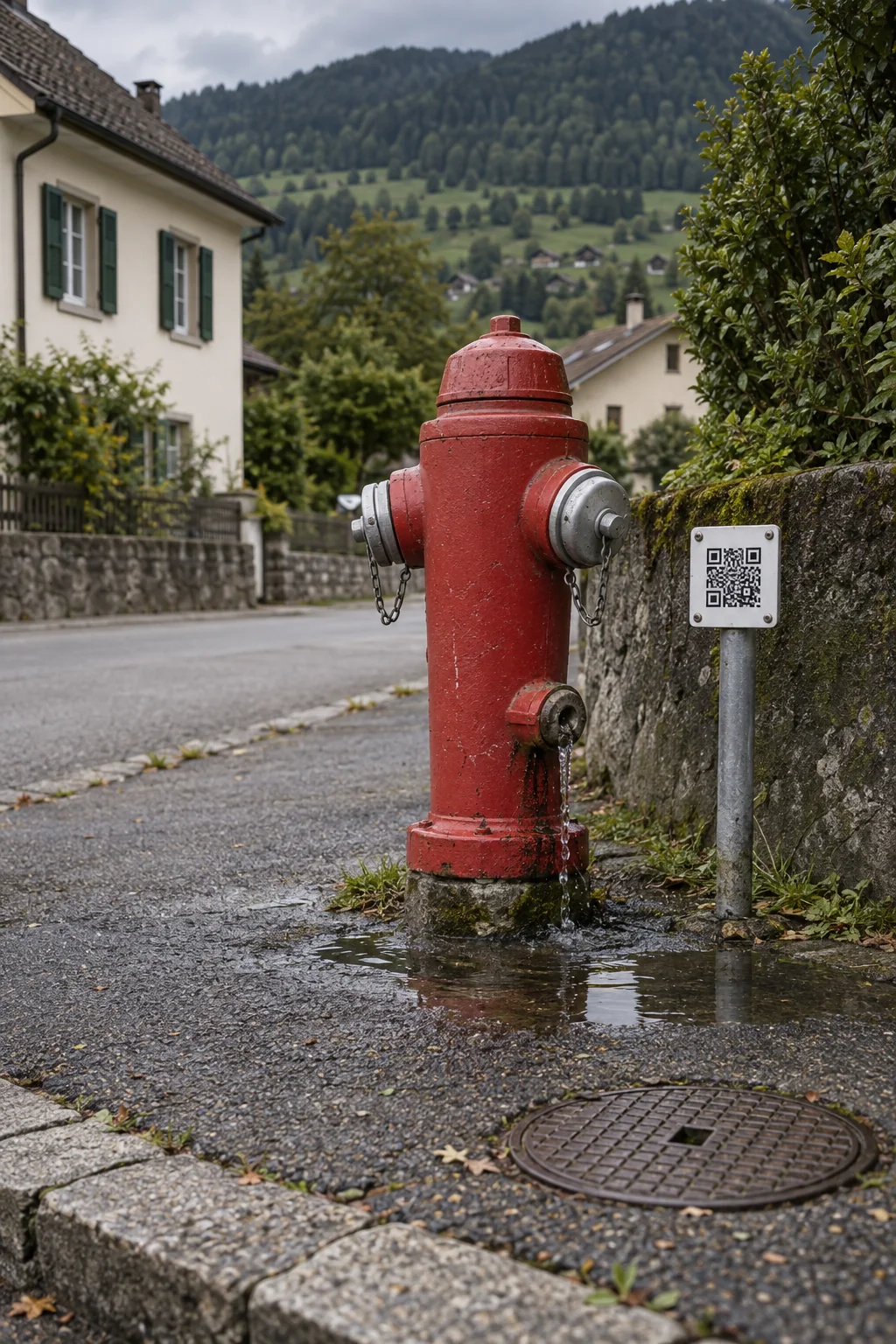
For water and utility networks
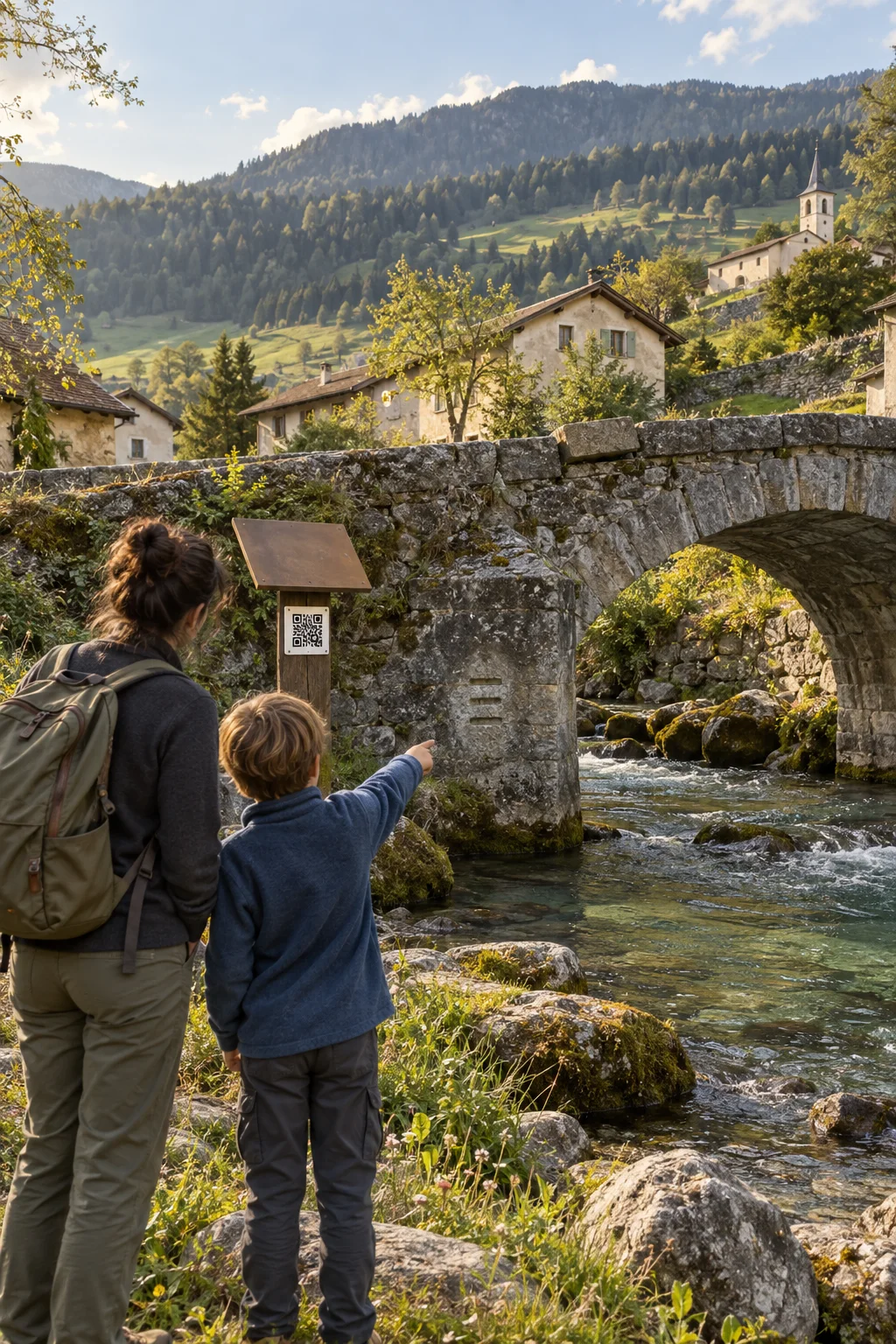
For local residents and visitors
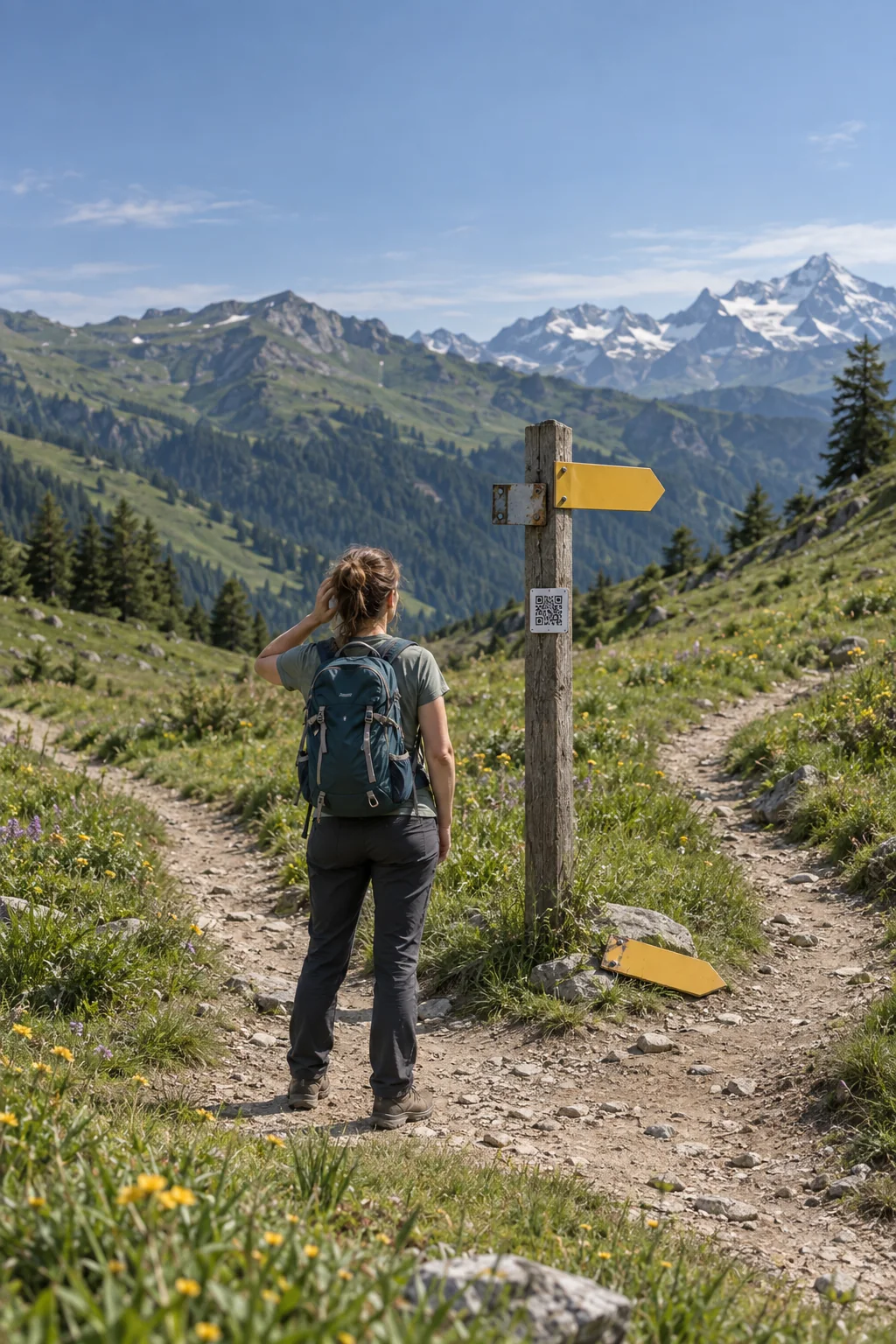
For trails and tourism
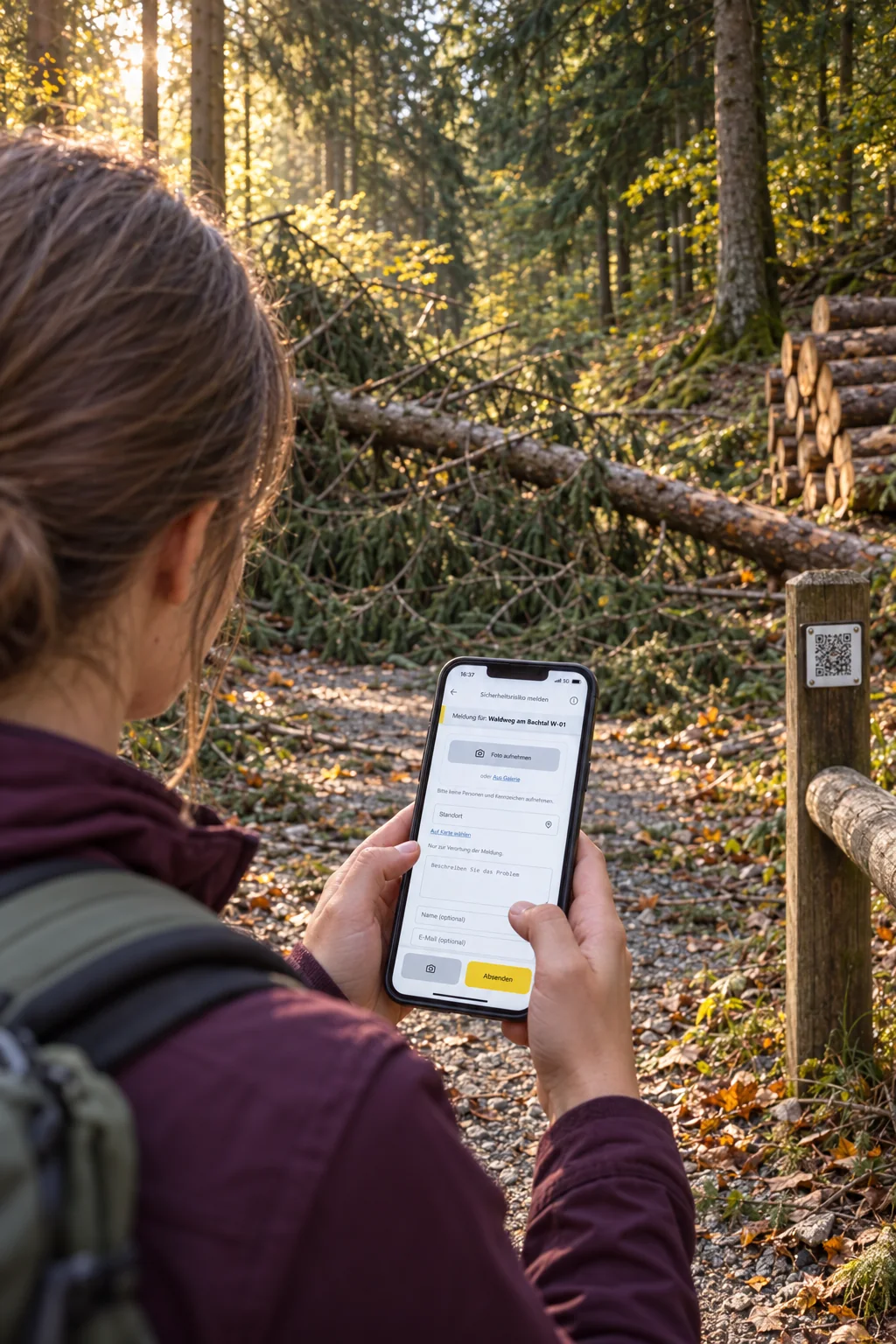
For forestry operations
For playgrounds and kindergartens
A QR code at the entrance gives parents, carers and visitors practical information about the playground and a simple way to report a problem.
See the workflowFor everyday work on site
A loose wooden slat or broken glass beside the sandpit is often noticed by the people already there. The public asset page lets them read the visitor guidance and alert the responsible team. Their report is already linked to the right playground.
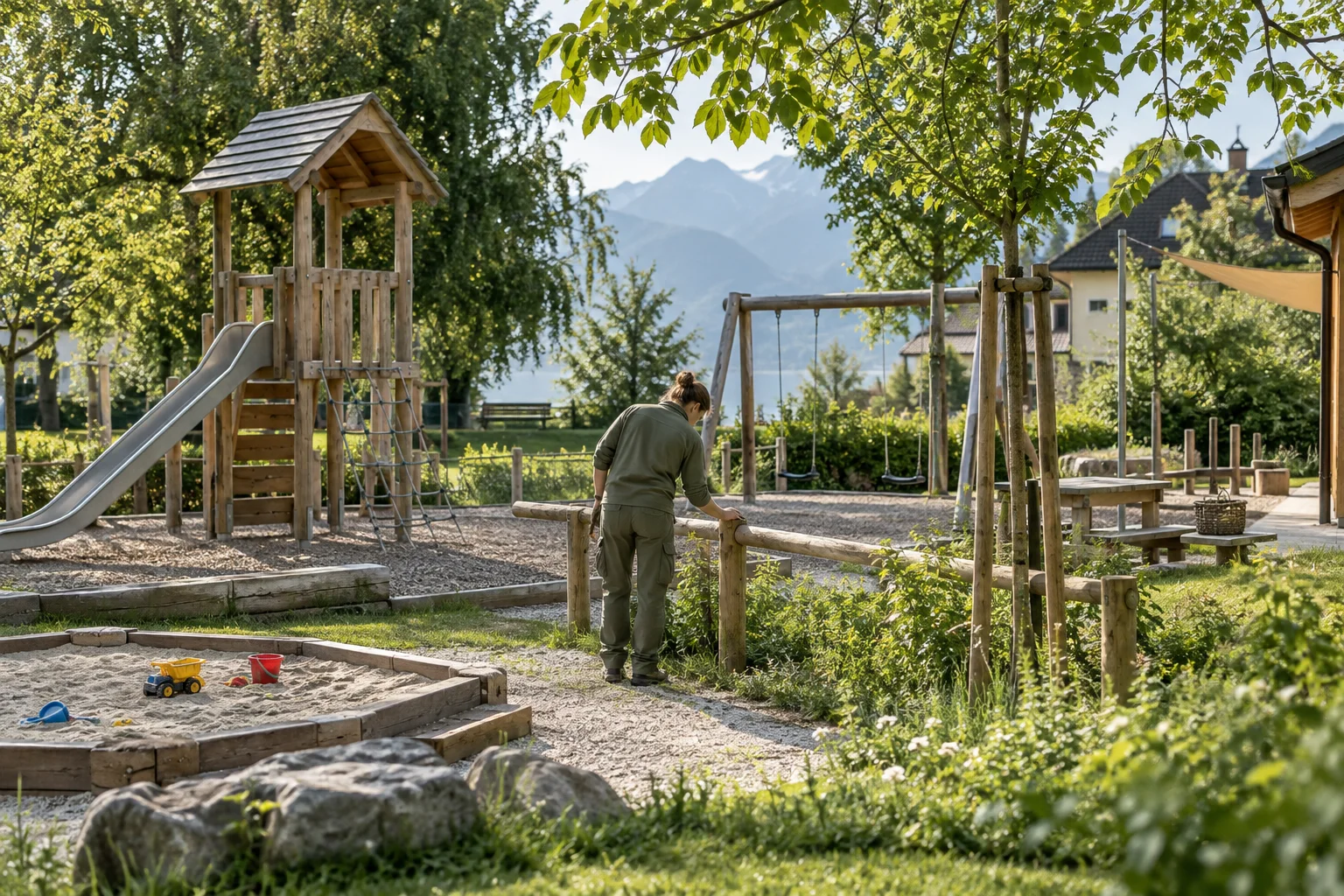
After the scan
A QR code opens the public asset page. People can find information about the place and start a report if needed.
Caretaking and public works
Welcome to our playground. Please be considerate of others and leave the area clean. Have you noticed damage or litter? Let us know.
Try reporting an issueExample: guidance for visitors is included in the asset description.
The QR code opens the playground’s public page, with its description and published pictures. Your team keeps the visitor guidance up to date there.
Parents and carers open the report form on the same page. The playground and its saved location are already linked. An optional photo helps explain the problem.
The caretaking or public works team takes on the report, assigns responsibility and priority, and records the work. The person who submitted it can follow its status through their private report link.
Any more questions?
Yes. A QR code can open the public asset page. Visitors see its name, description, responsible departments and approved images. You can share playground guidance or construction project information, for example. An action on that page opens a report linked to the same asset.
Open in the FAQNo. As long as the asset and QR code remain active, the existing code continues to lead to the same asset. Your team can maintain its description and images in the platform. Updated information appears the next time the page is opened, without reprinting the sign.
Open in the FAQNo. A QR code or link opens the form directly in the browser. Residents, staff and tenants can submit a report without installing an app or creating an account.
Open in the FAQAfter submission, they receive a confirmation with a private link. They can use it to follow progress or withdraw their report. Email notifications can also be used when the relevant contact details have been provided.
Open in the FAQThe next step
Explore Power Local with sample data from everyday work on site.
For municipalities
Share information about public places, collect reports from residents and organise your teams’ work in one shared overview.
See the workflowFor everyday work on site
At a fountain, park bench or town square, a QR code opens information about the place and a report form. People on site can report damage or faults directly. The administration and public works teams review incoming reports, assign tasks and record completed work.
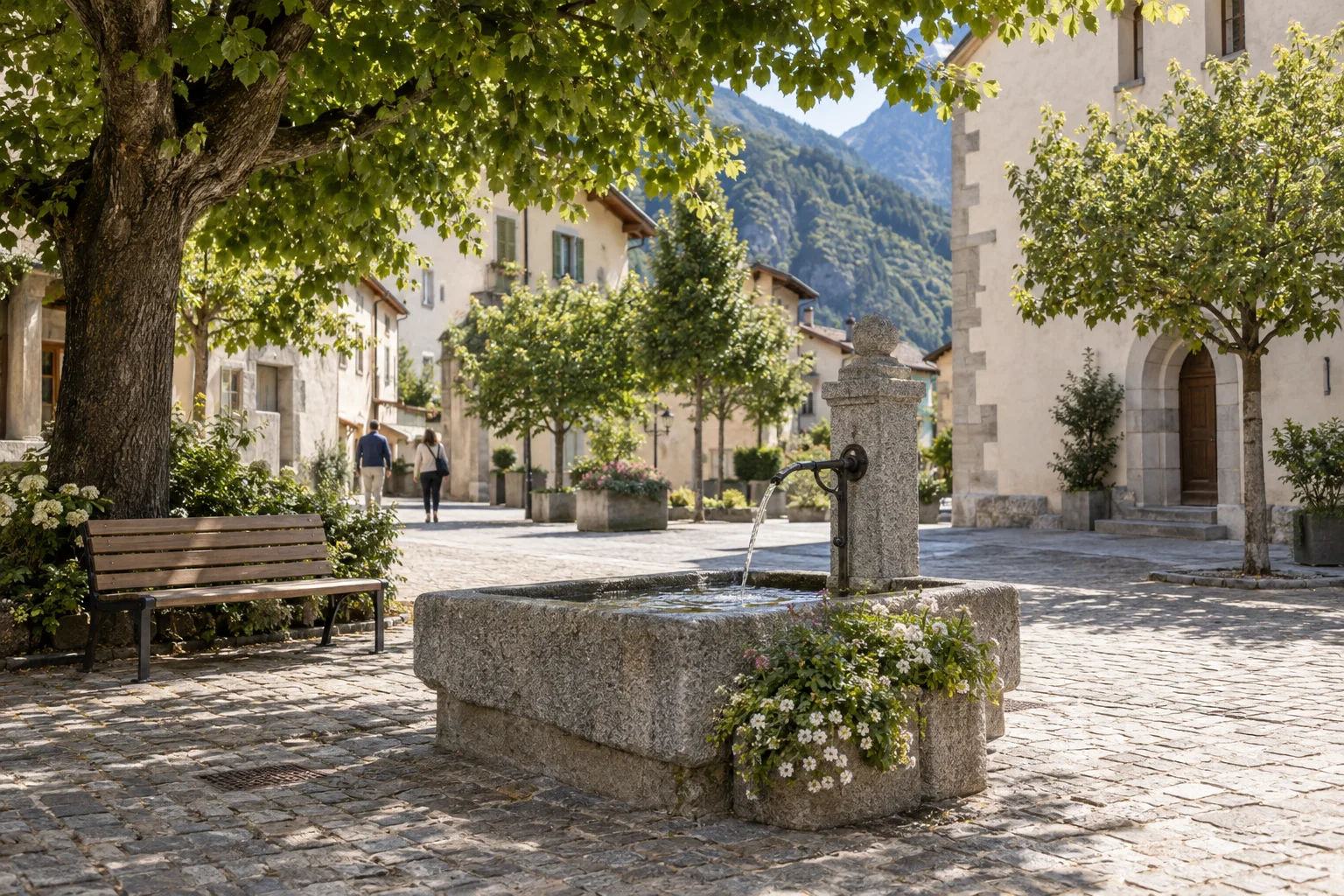
After the scan
A QR code opens the public asset page. People can find information about the place and start a report if needed.
Public works
This fountain is part of the town square. Is the water flow blocked, or have you noticed damage? Let us know here.
Try reporting an issueExample of a public asset description.
The QR code leads to the public asset page with a description and approved images. From there, people can report an issue linked to the same asset.
Your team assigns the report to a category and a responsible person. A priority and due date show how urgent the task is and when it should be completed.
Your team records each stage of the work in the report. The person who submitted it can follow progress through their private report link.
Any more questions?
Yes. A QR code can open the public asset page. Visitors see its name, description, responsible departments and approved images. You can share playground guidance or construction project information, for example. An action on that page opens a report linked to the same asset.
Open in the FAQNo. A QR code or link opens the form directly in the browser. Residents, staff and tenants can submit a report without installing an app or creating an account.
Open in the FAQAfter submission, they receive a confirmation with a private link. They can use it to follow progress or withdraw their report. Email notifications can also be used when the relevant contact details have been provided.
Open in the FAQYes. Roles and individual permissions can be managed, while departments reflect who is responsible for the work. You can decide who may handle reports, manage inventory or view particular folders.
Open in the FAQThe next step
Explore Power Local with sample data from everyday work on site.
For construction sites and projects
Keep neighbours and passers-by informed about the construction project and give them an easy way to report problems around the site.
See the workflowFor everyday work on site
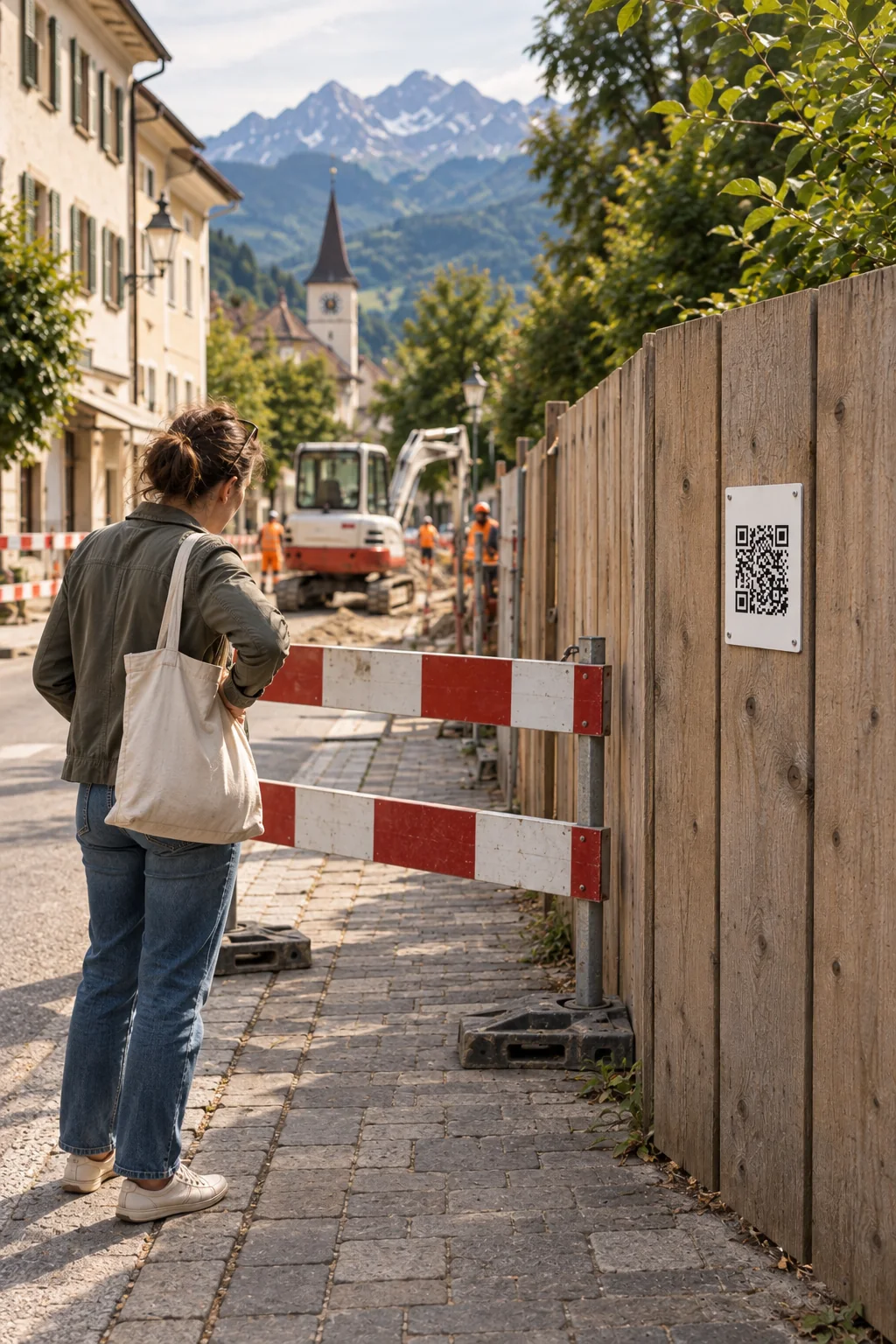
What is being built here? Which access route is open? A QR code on the fence opens the site’s public page. Your team publishes project updates and information about paths and access routes there. A barrier out of place or a blocked footpath can be reported from the same page, linked directly to the construction site.
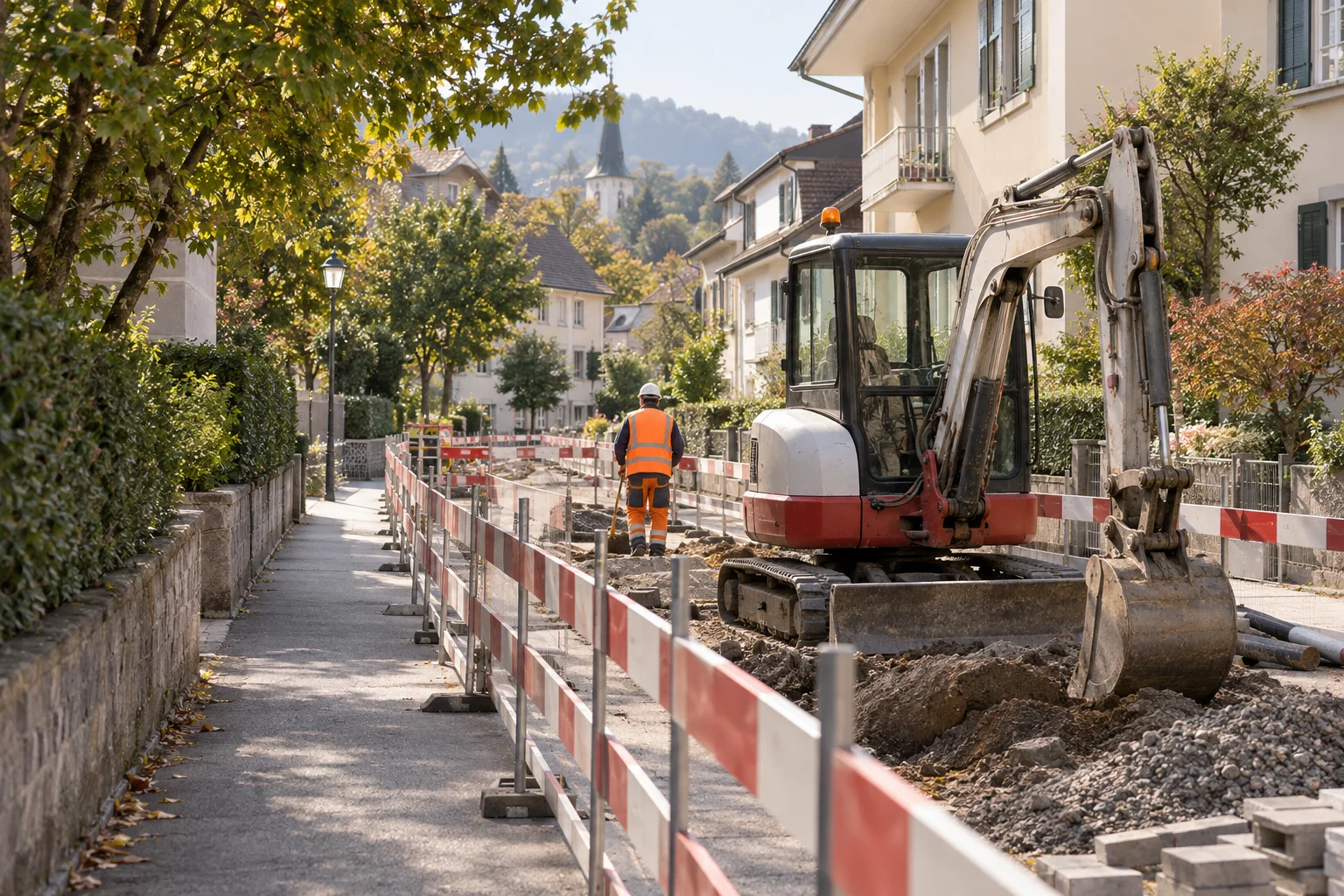
After the scan
A QR code opens the public asset page. People can find information about the place and start a report if needed.
Construction department
We are resurfacing this section of road. The marked footpath remains open. Please follow the signs on site. Is an access route blocked? Let us know.
Try reporting an issueExample: your team keeps project information up to date in the asset description.
Create an asset for the construction site and add a clear description. The QR code on the site fence opens its public page.
Neighbours and passers-by can report a problem while they are on site. The link to the construction site, a description and an optional photo help your team assess the situation.
Your team decides who will handle the report and records progress. When paths or access routes change, it updates the information on the public page.
Any more questions?
Yes. A QR code can open the public asset page. Visitors see its name, description, responsible departments and approved images. You can share playground guidance or construction project information, for example. An action on that page opens a report linked to the same asset.
Open in the FAQNo. As long as the asset and QR code remain active, the existing code continues to lead to the same asset. Your team can maintain its description and images in the platform. Updated information appears the next time the page is opened, without reprinting the sign.
Open in the FAQYes. A QR code can open the asset page, go straight to a report or offer a choice between the two. A construction-site sign can start with information, while a label on equipment can lead directly to reporting.
Open in the FAQAfter submission, they receive a confirmation with a private link. They can use it to follow progress or withdraw their report. Email notifications can also be used when the relevant contact details have been provided.
Open in the FAQThe next step
Explore Power Local with sample data from everyday work on site.
For municipal planning and administration
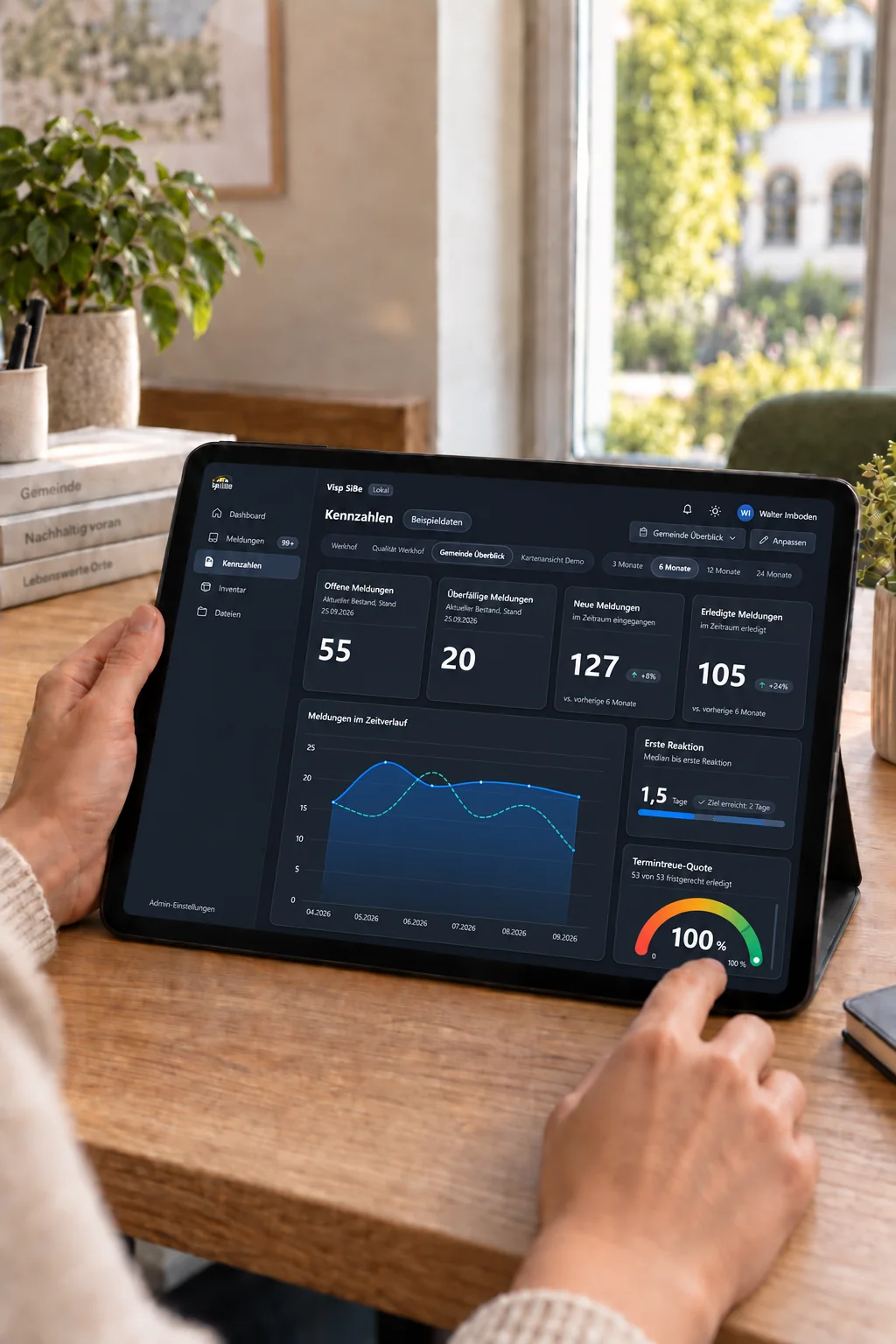
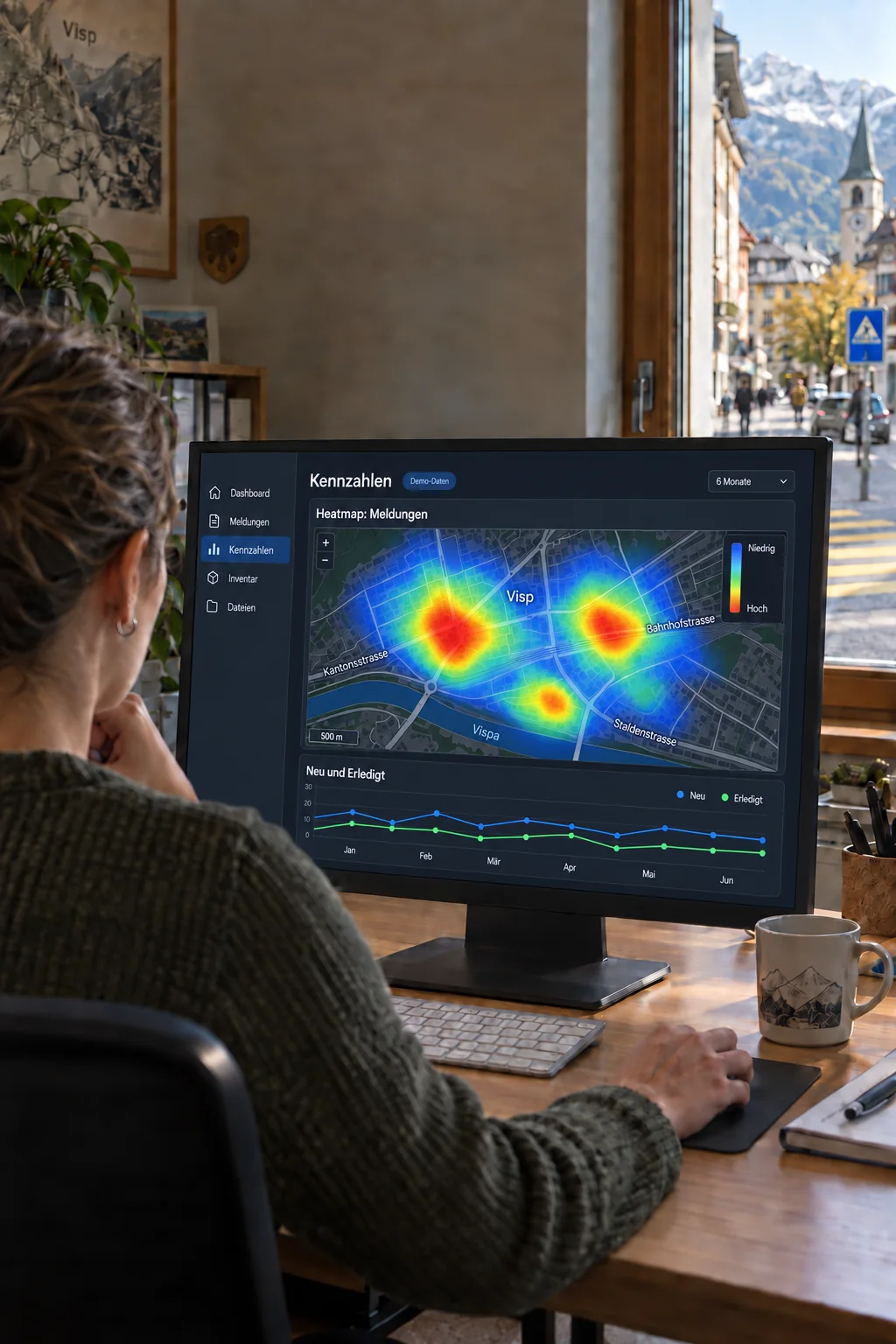
See where reports cluster across your municipality and follow how the overall totals change from month to month.
See the workflowFor everyday work on site
The heatmap shows where reports with a location were concentrated during the selected period. Your administration can use these patterns to decide which places to investigate. The monthly chart compares new and resolved reports across the whole municipality, bringing geographic concentrations and the overall trend into view.
In the KPI dashboard, select one of the available periods: the past 3, 6, 12 or 24 months. The heatmap shows the geographic density of reports received during that period.
Look more closely at areas with many reports. Review the individual reports and the situation on site before planning action. Few reports do not necessarily mean that an area has no problems.
The line chart shows how many reports were received and resolved each month. It describes the trend across the whole municipality and helps with planning further work.
Any more questions?
Yes. The KPI dashboard is part of the platform. It shows new and resolved reports, response and resolution times, and breakdowns by category or department. What the figures can tell you depends on the data recorded; missing timestamps are identified.
Open in the FAQYes. Roles and individual permissions can be managed, while departments reflect who is responsible for the work. You can decide who may handle reports, manage inventory or view particular folders.
Open in the FAQAfter submission, they receive a confirmation with a private link. They can use it to follow progress or withdraw their report. Email notifications can also be used when the relevant contact details have been provided.
Open in the FAQThe next step
Explore Power Local with sample data from everyday work on site.
For property managers
Read building information or report a fault to the caretaking team: a QR code in the building takes tenants straight to the right page.
See the workflowFor everyday work on site
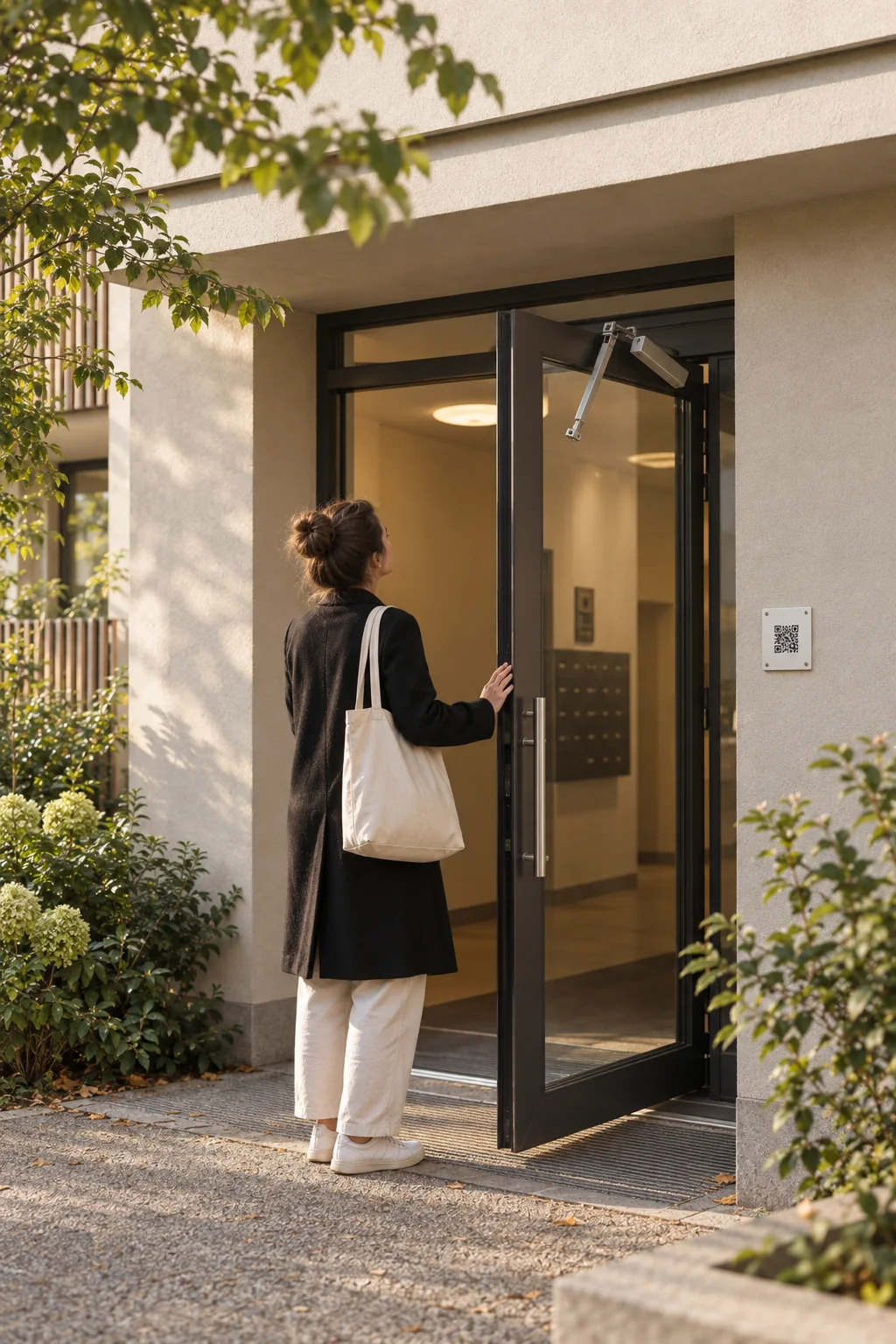
A QR code in the entrance hall or laundry room opens the guidance for that area. Tenants can also report a faulty door or washing machine there. The caretaking team sees which asset is affected and records its work directly in the report.
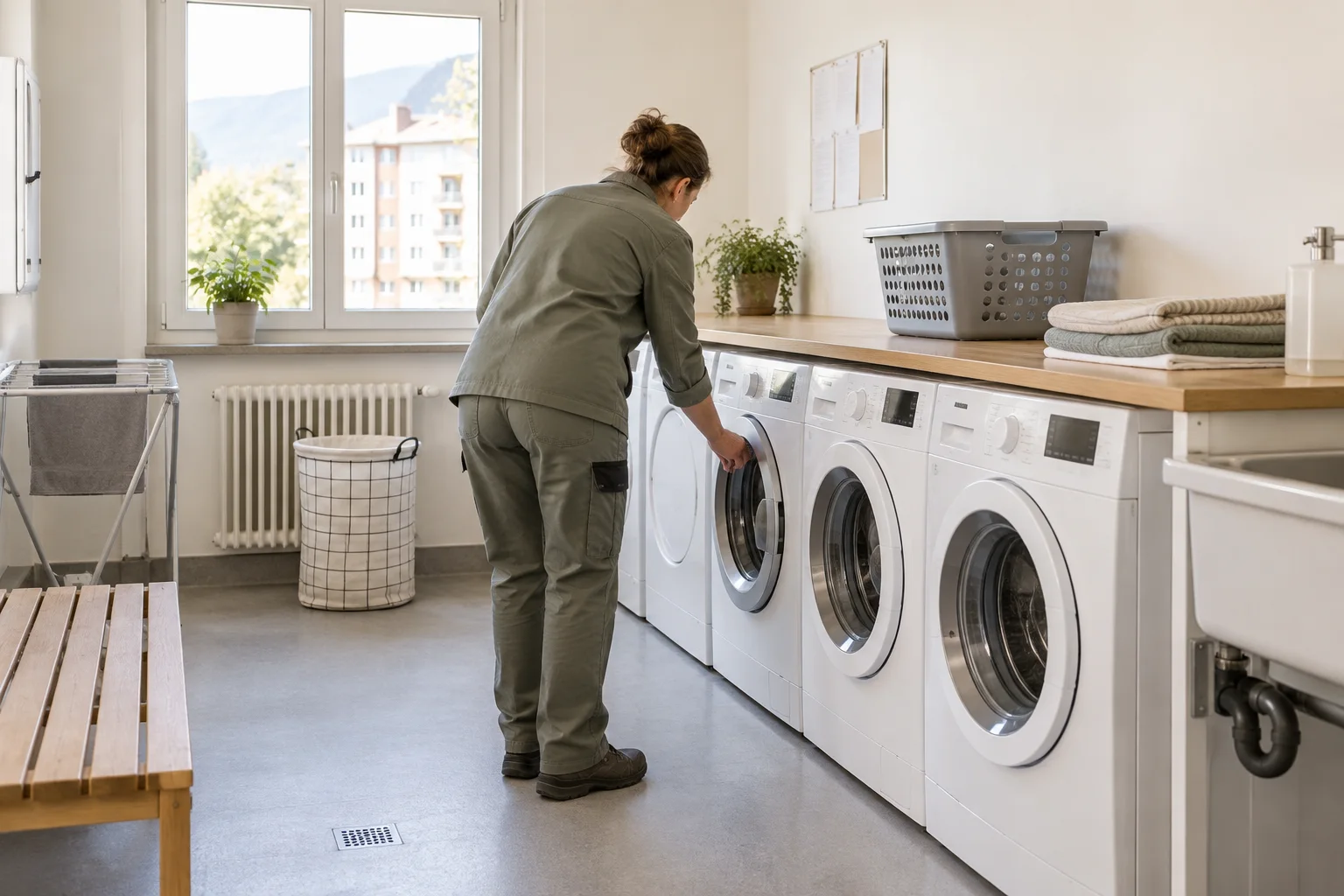
After the scan
A QR code opens the public asset page. People can find information about the place and start a report if needed.
Caretaking
Please leave the room clean and follow the washing schedule on display. Is a machine not working properly? Tell us briefly what is wrong.
Try reporting an issueExample of guidance included in the asset description.
A QR code in the building opens the asset page. Tenants can read the guidance and report a fault from there without creating an account.
Your team picks up the report, assigns it to a responsible person and keeps follow-up questions and deadlines in one place.
Link the report to the relevant inventory asset and documents. The next person can see what has already been checked or repaired.
Any more questions?
Yes. A QR code can open the public asset page. Visitors see its name, description, responsible departments and approved images. You can share playground guidance or construction project information, for example. An action on that page opens a report linked to the same asset.
Open in the FAQNo. Both are optional. A photo often helps the team understand the problem; contact details allow follow-up questions or notifications when needed.
Open in the FAQThe file module provides folders, file versions and a recycle bin. Relevant documents can be linked to reports or tasks. Roles control which folders each person can see.
Open in the FAQYes. Roles and individual permissions can be managed, while departments reflect who is responsible for the work. You can decide who may handle reports, manage inventory or view particular folders.
Open in the FAQThe next step
Explore Power Local with sample data from everyday work on site.
For schools and facilities
Give teachers, caretakers and administrators a shared way to report problems with rooms, facilities and equipment.
See the workflowFor everyday work on site
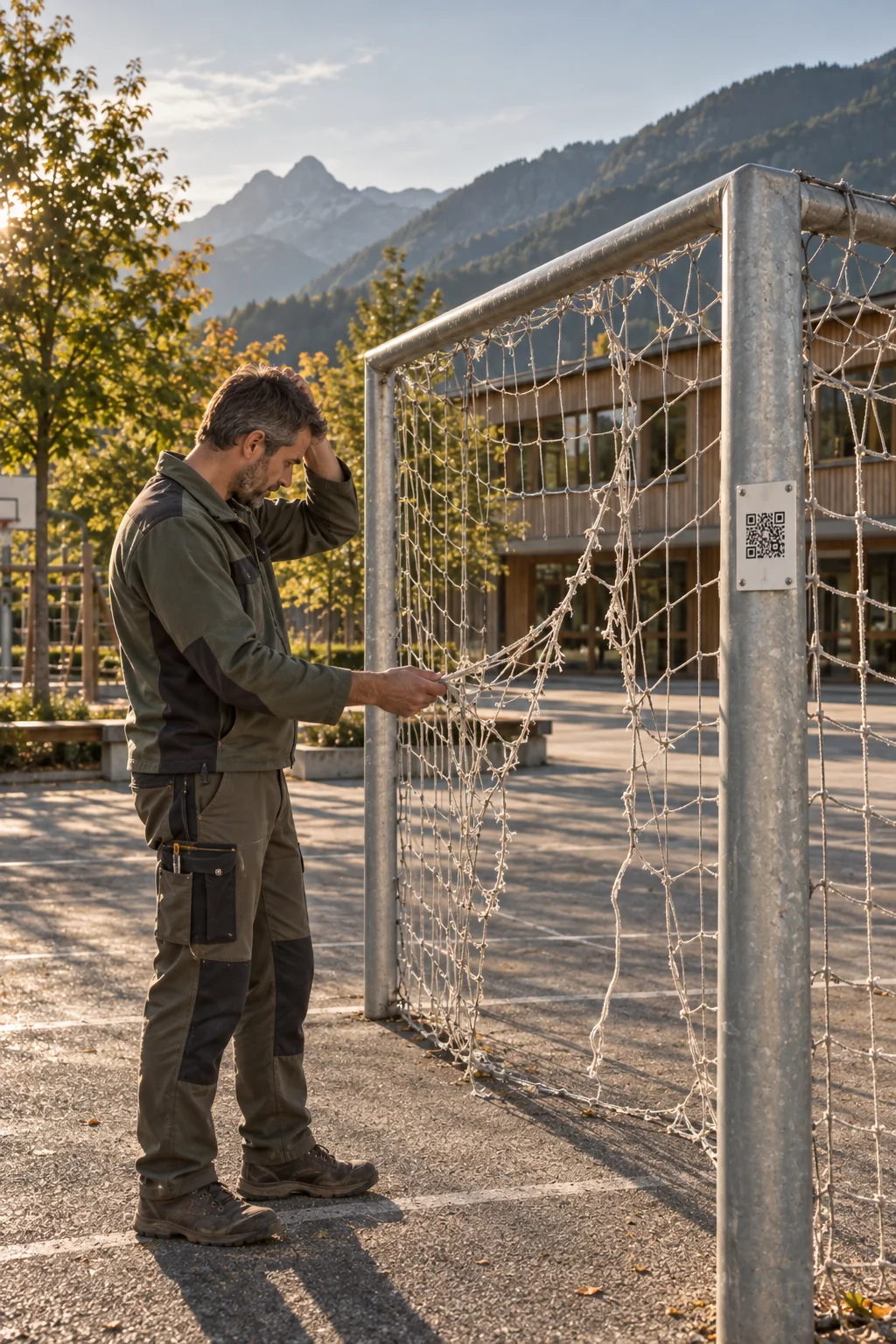
A QR code at the sports ground, in the school building or on a piece of equipment opens usage guidance and a report form. Teachers, clubs and other users can report faults or damage directly. The caretaking team takes on the reports and plans the work needed.
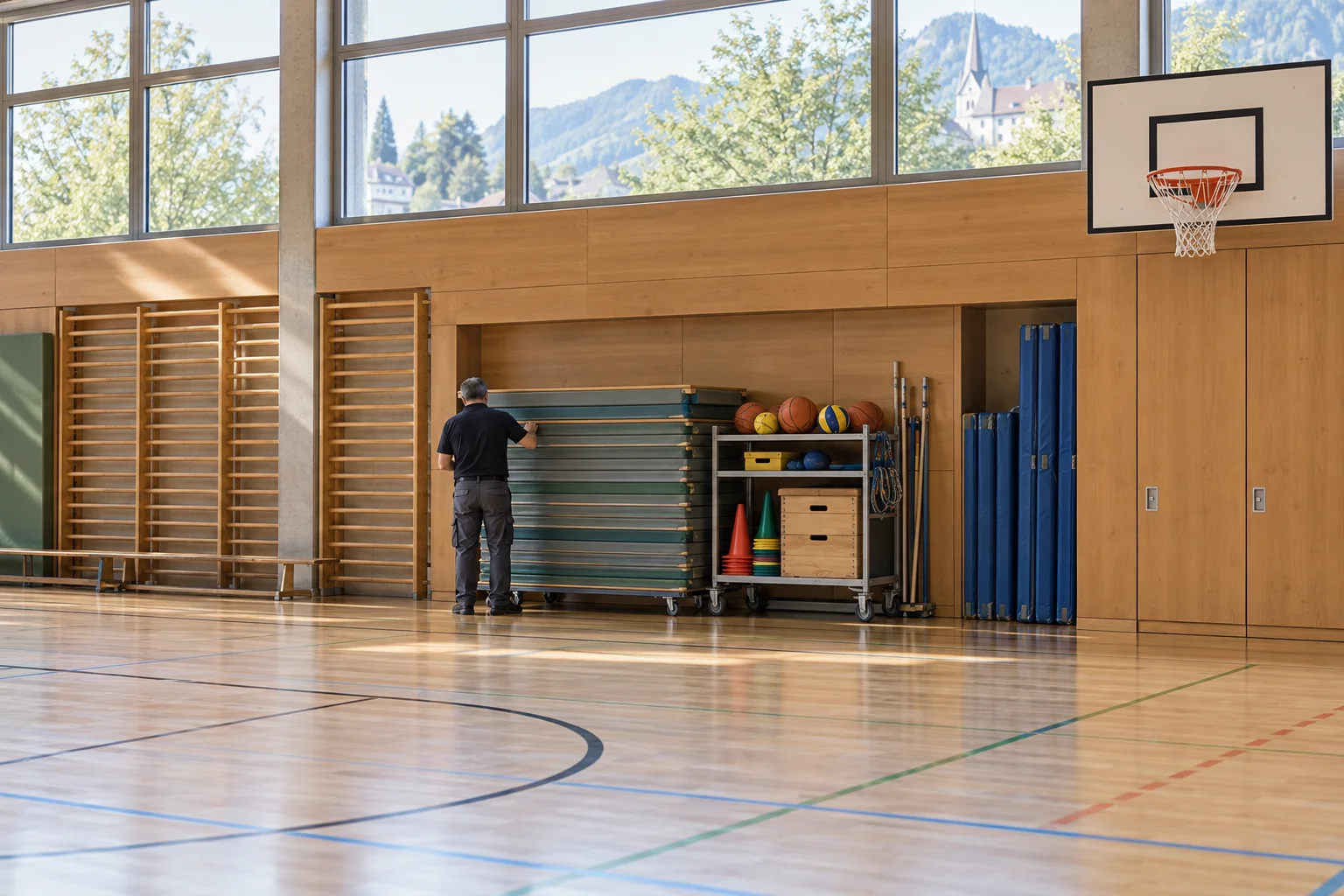
After the scan
A QR code opens the public asset page. People can find information about the place and start a report if needed.
Caretaking
Please keep access routes clear and be considerate of other users. You can report a damaged goal or a lighting problem here.
Try reporting an issueExample of a facility that is open to the public.
The public asset page explains how to use the facility or equipment. People can report a problem from there, already linked to the relevant asset.
Caretakers and administrators decide who will handle each report. They can add other work as internal tasks with due dates.
Link the report to the affected equipment and the documents needed. Another team member can then continue the work using the information already recorded.
Any more questions?
Yes. A QR code can open the public asset page. Visitors see its name, description, responsible departments and approved images. You can share playground guidance or construction project information, for example. An action on that page opens a report linked to the same asset.
Open in the FAQNo. A QR code or link opens the form directly in the browser. Residents, staff and tenants can submit a report without installing an app or creating an account.
Open in the FAQYes. Inventory assets can have their own QR labels. A report started from a label retains its link to the asset; linked reports and tasks remain accessible from that asset's entry. The inventory also supports recording check-outs and returns.
Open in the FAQFirst, we clarify your workflows, the teams involved and the scope you need. Standard setup covers installation, your logo, colours and basic configuration. Data migration, team introductions or training, and custom adaptations are scoped and charged separately according to the work involved.
Open in the FAQThe next step
Explore Power Local with sample data from everyday work on site.
For public works teams
Organise reports, internal tasks and equipment so your team can get on with the work on site.
See the workflowFor everyday work on site
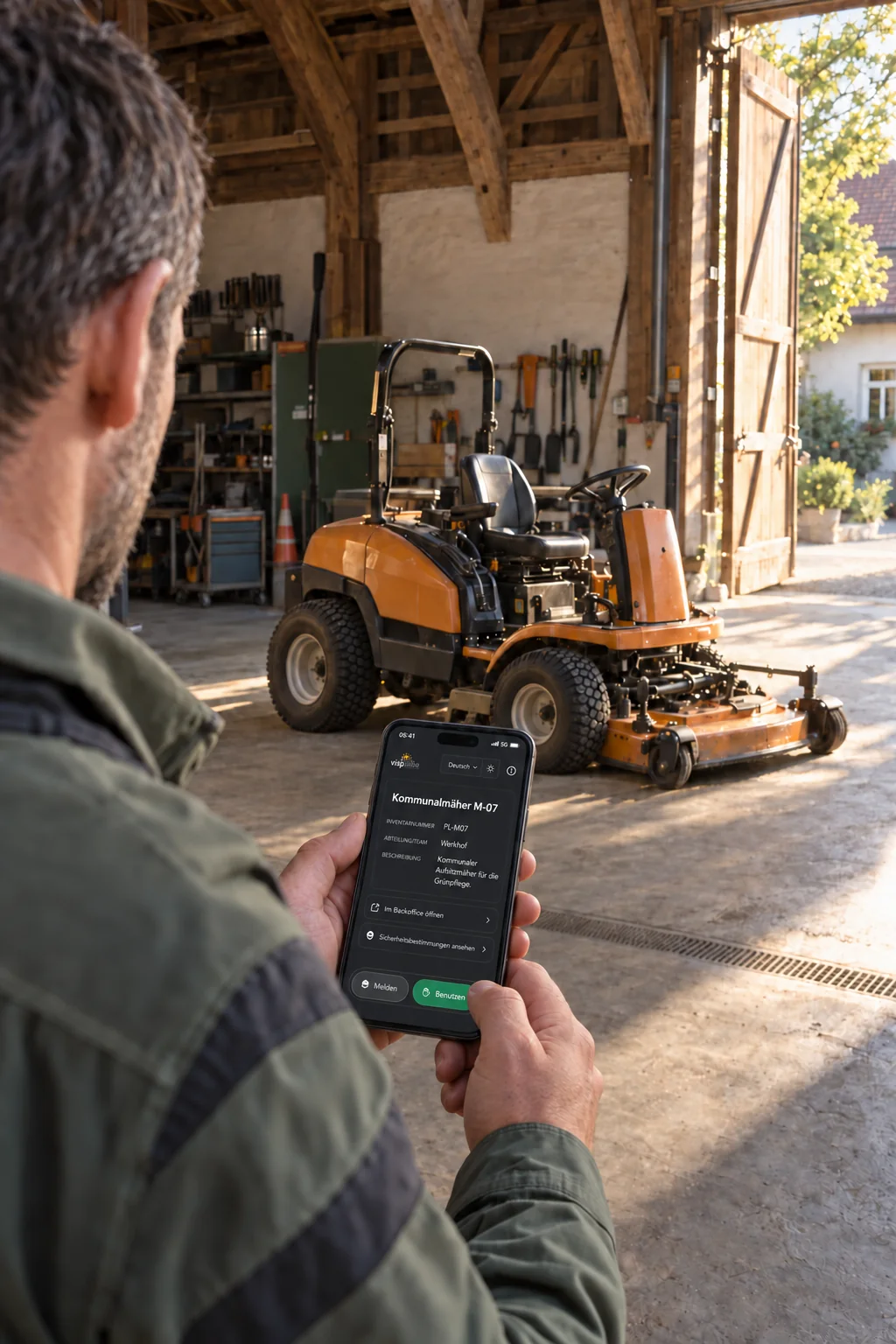
Planned work and reports from residents come together at the municipal depot. Reports submitted through QR codes on public facilities are already linked to the relevant asset. Your team assigns tasks, sets due dates and records completion.
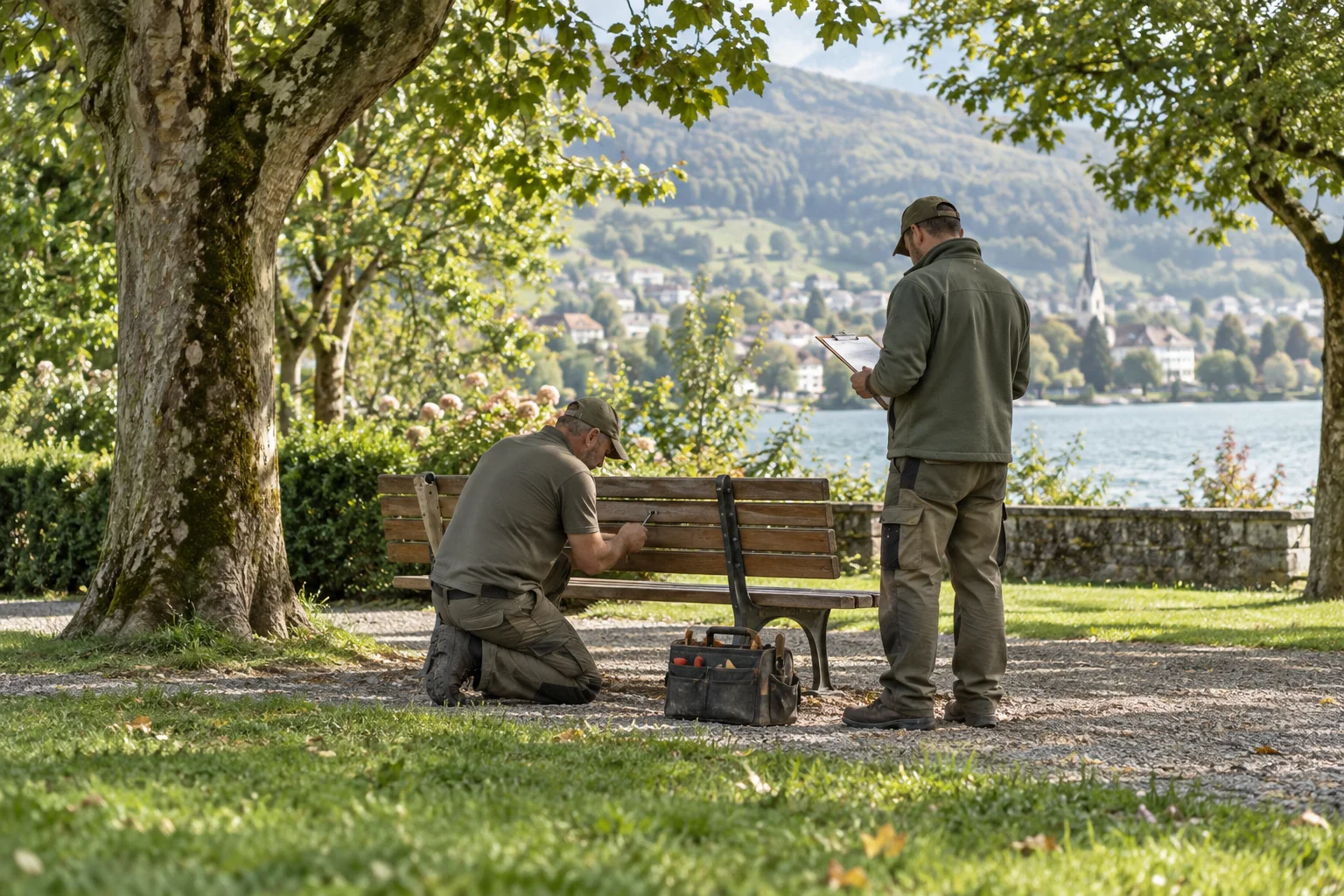
Handle incoming reports and create internal tasks in the same overview. You can also record an issue received by phone as a report.
Assign tasks to a person and set suitable deadlines. The board and filters help you spot open and overdue work.
Record follow-up questions, work carried out and completion in the report. Linked reports and tasks remain accessible from the inventory asset for future visits.
Any more questions?
Yes. The team can create internal tasks directly, assign them to a person and set a due date. They are organised in the same workspace as incoming reports.
Open in the FAQStaff can enter these issues in the platform themselves. Responsibility, status, comments and subsequent work then follow the same workflow. This does not imply an automatic import from an email inbox.
Open in the FAQYes. Inventory assets can have their own QR labels. A report started from a label retains its link to the asset; linked reports and tasks remain accessible from that asset's entry. The inventory also supports recording check-outs and returns.
Open in the FAQThe current platform requires an internet connection. Offline capture with later synchronisation is a possible extension that would need to be planned separately. It is not currently included as standard.
Open in the FAQThe next step
Explore Power Local with sample data from everyday work on site.
For water and utility networks
Keep inspections, maintenance and faults on hydrants, inspection chambers and other installations together in each asset’s record.
See the workflowFor everyday work on site
Hydrants, valves, inspection chambers, reservoirs and pumping stations are spread across the supply area. Your team uses the QR code to open the relevant asset record and complete due checklists on site. Recorded inspections and faults give the water utility an overview of the work ahead.
Add hydrants, valves, inspection chambers and other installations to the inventory with their locations. A QR label on the installation opens the relevant asset page.
Set the checkpoints and inspection interval for a category or an individual asset. Authorised team members complete the due checklist on site. Recorded defects become reports linked to the installation.
Link fault reports, repairs and documents to the affected installation. On the next visit, your team can see what has already been done, even when a different person takes over.
Any more questions?
Yes. Per category you set a checklist and its rhythm, for example every three months; a single asset can have its own list. A due checklist appears as a report on the board. Authorised staff scan the QR code on the asset and fill it in on site; a defect becomes a report on the asset straight away. A completed checklist is never changed again and stays in the history of the asset as proof. The public does not see it.
Open in the FAQYes. Inventory assets can have their own QR labels. A report started from a label retains its link to the asset; linked reports and tasks remain accessible from that asset's entry. The inventory also supports recording check-outs and returns.
Open in the FAQYes. Roles and individual permissions can be managed, while departments reflect who is responsible for the work. You can decide who may handle reports, manage inventory or view particular folders.
Open in the FAQThe current platform requires an internet connection. Offline capture with later synchronisation is a possible extension that would need to be planned separately. It is not currently included as standard.
Open in the FAQThe next step
Explore Power Local with sample data from everyday work on site.
For local residents and visitors
A QR code at a bridge, chapel or fountain invites local residents and visitors to discover the area’s stories. Right where they happened, with pictures and small details to look for, without an app or account.
Explore the platformA connection to the place
A walk feels more personal when you know who lived here before and what traces they left behind. Your team connects stories, pictures and small clues with the places they belong to. Local residents see familiar surroundings anew; visitors get to know the area and its past. A short stop can become a conversation about what makes this place special.
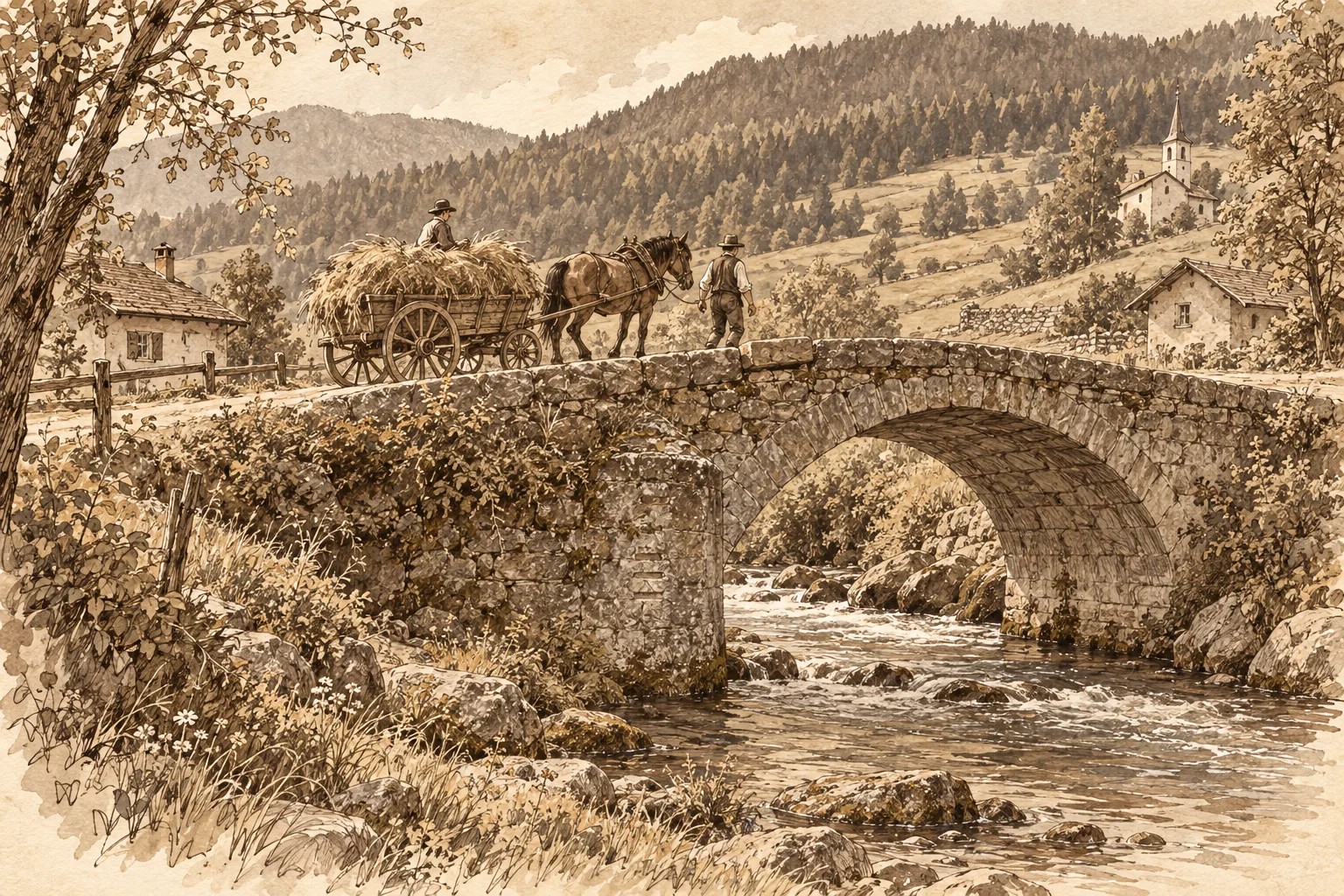
The story behind the QR code
A short text, pictures and a detail to discover invite people to look more closely. The public asset page connects the story with the place in front of them.
See how QR access worksLocal history
An old crossing over the stream. A piece of village history, waiting to be discovered right where you stand.
Since 1784 this bridge has linked the village to the meadows on the other bank. Horse-drawn carts once carried hay across the stream here. Look for the three flood marks on the upstream pier: they tell of floods the village remembered for years.
Looked after by Public works
Interactive preview with a fictional local story and AI-generated images.
You are standing by a bridge, chapel or fountain. The QR code opens the public asset page directly in your browser, without an app or account.
Read about what shaped the place and browse the pictures. A clue about flood marks, a coat of arms or an old doorway draws your eye to a detail you might otherwise have missed.
Look up from the screen at the place itself. What did it look like before? What has remained? Local residents and visitors can share their observations and see the place with fresh eyes.
Any more questions?
Yes. A QR code can open the public asset page. Visitors see its name, description, responsible departments and approved images. You can share playground guidance or construction project information, for example. An action on that page opens a report linked to the same asset.
Open in the FAQNo. As long as the asset and QR code remain active, the existing code continues to lead to the same asset. Your team can maintain its description and images in the platform. Updated information appears the next time the page is opened, without reprinting the sign.
Open in the FAQNo. A QR code or link opens the form directly in the browser. Residents, staff and tenants can submit a report without installing an app or creating an account.
Open in the FAQAfter submission, they receive a confirmation with a private link. They can use it to follow progress or withdraw their report. Email notifications can also be used when the relevant contact details have been provided.
Open in the FAQThe next step
Explore Power Local with sample data from everyday work on site.
For trails and tourism
A missing signpost, a fallen tree or a damaged bench: walkers can report these problems while they are on the trail. A QR code links their report to the recorded asset.
See the workflowFor everyday work on site
A QR code on a signpost, bench or fire pit opens information about the place and a report form. Walkers describe what they have noticed and can add a photo. The trail maintenance team, tourism organisation or municipality receives the report with its recorded asset and location. This helps them prepare the next inspection.
After the scan
A QR code opens the public asset page. People can find information about the place and start a report if needed.
Trail maintenance
Welcome to our fire pit. Please leave the place clean and put the fire out completely. Is the firewood gone or is something damaged? Share your report with us.
Try reporting an issueExample of a place along the trail that is open to the public.
The public asset page provides guidance about the trail or rest area. The same QR code lets walkers report a problem without installing an app or creating an account.
Reports submitted through the QR code are linked to the recorded asset and location. A description and an optional photo help the maintenance team find the affected spot.
The board and list show open reports and planned tasks. The map shows entries with a location. You can use these views to decide which jobs to tackle on the same visit.
Any more questions?
Yes. A QR code can open the public asset page. Visitors see its name, description, responsible departments and approved images. You can share playground guidance or construction project information, for example. An action on that page opens a report linked to the same asset.
Open in the FAQYes. A QR code can open the asset page, go straight to a report or offer a choice between the two. A construction-site sign can start with information, while a label on equipment can lead directly to reporting.
Open in the FAQThe current platform requires an internet connection. Offline capture with later synchronisation is a possible extension that would need to be planned separately. It is not currently included as standard.
Open in the FAQAfter submission, they receive a confirmation with a private link. They can use it to follow progress or withdraw their report. Email notifications can also be used when the relevant contact details have been provided.
Open in the FAQThe next step
Explore Power Local with sample data from everyday work on site.
For forestry operations
Keep jobs, machines and reports from the forest together, even when the team is spread across the whole district.
See the workflowFor everyday work on site
Forest roads, barriers, fire pits and machines are spread across the district. Record them as assets and link the relevant reports and tasks. QR labels take people on site to the right entry. The operations manager plans the jobs, and the team records the work carried out.
After the scan
A QR code opens the public asset page. People can find information about the place and start a report if needed.
Forestry operation
You are on a managed forest road. Please observe the barriers while felling is under way. Is a tree blocking the way or a sign damaged? Share your report with us.
Try reporting an issueExample of a place in the forest that is open to the public.
Record roads, barriers, fire pits and machines with their locations. A QR label takes people on site directly to the relevant asset page.
Handle internal tasks and incoming reports in one shared overview. Decide who will take on each job and when the work should be completed.
Record completed work, photos and outstanding questions in the report. The asset’s history helps your team prepare for its next visit.
Any more questions?
Yes. Start with the scope your team needs for everyday work. Modules such as tasks, inventory and files can be enabled for each installation. There are no per-user fees.
Open in the FAQYes. The team can create internal tasks directly, assign them to a person and set a due date. They are organised in the same workspace as incoming reports.
Open in the FAQYes. Inventory assets can have their own QR labels. A report started from a label retains its link to the asset; linked reports and tasks remain accessible from that asset's entry. The inventory also supports recording check-outs and returns.
Open in the FAQThe current platform requires an internet connection. Offline capture with later synchronisation is a possible extension that would need to be planned separately. It is not currently included as standard.
Open in the FAQThe next step
Explore Power Local with sample data from everyday work on site.
For administration, works yards and caretakers.
Every report with the right team, every task with a clear status.
Your reports. With the right team.
Choose a priority for our next ideas. Or drag the cards.
What could become possible
Sign in to Power Local with Microsoft Entra ID.
Show open reports on your municipality’s website.
Room for your next idea.
Fits our everyday work
Reuse reports and assets through a read-only API.
Room for your next idea.
Would help us most
Capture information on the go and sync later.
Room for your next idea.
Planned = intended development. Project idea = an extension that can be commissioned together. Sorting does not change product status or delivery dates.
Use the Left and Right arrow keys to change priority, and Up and Down to change order. Alternatively, choose the priority from the drop-down list.Interactive examples. All changes stay in this browser tab.
How would Power Local fit your project?
Your field, scale and suitable plan: the key facts for your project. A live video demo is available if you would like one.
Local also means independent.
Runs on your hosting. Your data stays with you.

Security and data protection
The platform uses the following measures to protect access to your data, its transmission and its processing.
Your password must be at least 12 characters long and is never stored in plain text. Changing it signs out every other device.
Data is encrypted as it travels between your browser and the platform. Additional browser safeguards help prevent unauthorised access.
Links to photos and report receipts are protected against tampering. Their validity is checked when they are opened.
Camera and GPS details stored in the image file are removed during upload. People and places visible in the picture remain visible.
Roles and permissions let you decide who can access content. You can set separate read and write permissions for folders.
Resolved reports are deleted after the period you set. Work on reports is logged with the time and person responsible. People can also delete their own report through its private link without an account.
We use AI-assisted checks to look for possible attack paths and review changes. Findings and the decisions made about them are documented. Automated tests help detect the return of previously fixed errors in later changes.
Latest internal review: 42 findings, with 40 fixed and in production since 9/3/2026, and 2 addressed by documented decisions.
41
security rules from earlier findings, checked automatically before every release.
The security documentation provides the details your IT and data protection teams need. We make it available before the project begins.
Questions on security and data protectionGuided by
One price for the whole team.
Public QR object pages, reports, tasks, inventory and checklists together. All current modules, unlimited users and reports included.
For municipalities with up to 5,000 residents, or a school, facility or property.
CHF 1,188 annually · excl. VAT
One-time standard setup from CHF 490
For municipalities with up to 20,000 residents, up to 2,000 homes or 5 locations.
CHF 2,388 annually · excl. VAT
One-time standard setup from CHF 990
For larger municipalities, associations, campuses and teams across multiple locations.
A quote that fits your needs.
Setup based on scope
Choose your field and scale. The matching plan and costs follow from them.
Matching scope:
Matching scope: Compact in the transition band
We prepare an individual quote for this scope.
Estimates excl. VAT and hosting.
Prices exclude VAT, billed annually in advance, hosting separate. For municipalities with 5,001 to 8,000 residents: CHF 1,188 plus CHF 0.40 per additional resident per year. Setup with installation, logo, colours and basic configuration included; data migration, training and custom changes as required.
Which plan fits you?
Your field and scale help identify the right plan. We can discuss open questions in an optional live demo.
No. A QR code or link opens the form directly in the browser. Residents, staff and tenants can submit a report without installing an app or creating an account.
Yes. Start with the scope your team needs for everyday work. Modules such as tasks, inventory and files can be enabled for each installation. There are no per-user fees.
Your data is hosted by the agreed provider. Before setup, we clarify the hosting location, backups and responsibilities for ongoing operation.
Yes. The logo, colours, map area and legal texts are installation settings. Categories, departments and responsibilities are also adapted to your organisation.
First, we clarify your workflows, the teams involved and the scope you need. Standard setup covers installation, your logo, colours and basic configuration. Data migration, team introductions or training, and custom adaptations are scoped and charged separately according to the work involved.
Yes, wherever a team looks after objects in fixed places and receives reports about them. Besides municipalities and public works, that includes schools and sports grounds, properties and caretaking, playgrounds and construction sites, and also forestry operations or cemeteries. A QR code on the object opens its page or the report directly, and the report reaches the team in charge. Reporting needs an internet connection; for places without mobile coverage we clarify this beforehand.
Good places need people. And good tools.
Right in your browser. No sign-up needed.