Take in notes from the round
A QR code at the tee opens the report form with no app and no account, for guests too. The hole and its location are already filled in; the report goes to the team the hole is assigned to.
 powerlocal.
For golf courses
Power Local brings notes from the round, machines and recurring checks into one shared overview for your greenkeeping. Hole, location and history stay with the work.
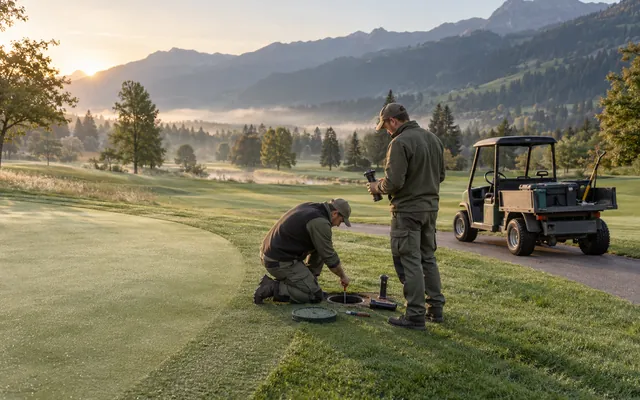
Your workspace could look like this
Does this sound familiar?
A note at the club office, a remark in the pro shop, a message to the head greenkeeper’s phone. By the time it reaches greenkeeping, the water is already standing in the bunker.
Often scattered today
Connected with Power Local
Notes from the round, machines and checks are connected. Your team sees what is open and on which hole.
Sample data · interactive preview
Explore the interface with sample data. Your changes stay in this preview and are not sent to a team.
Your reports. With the right team.
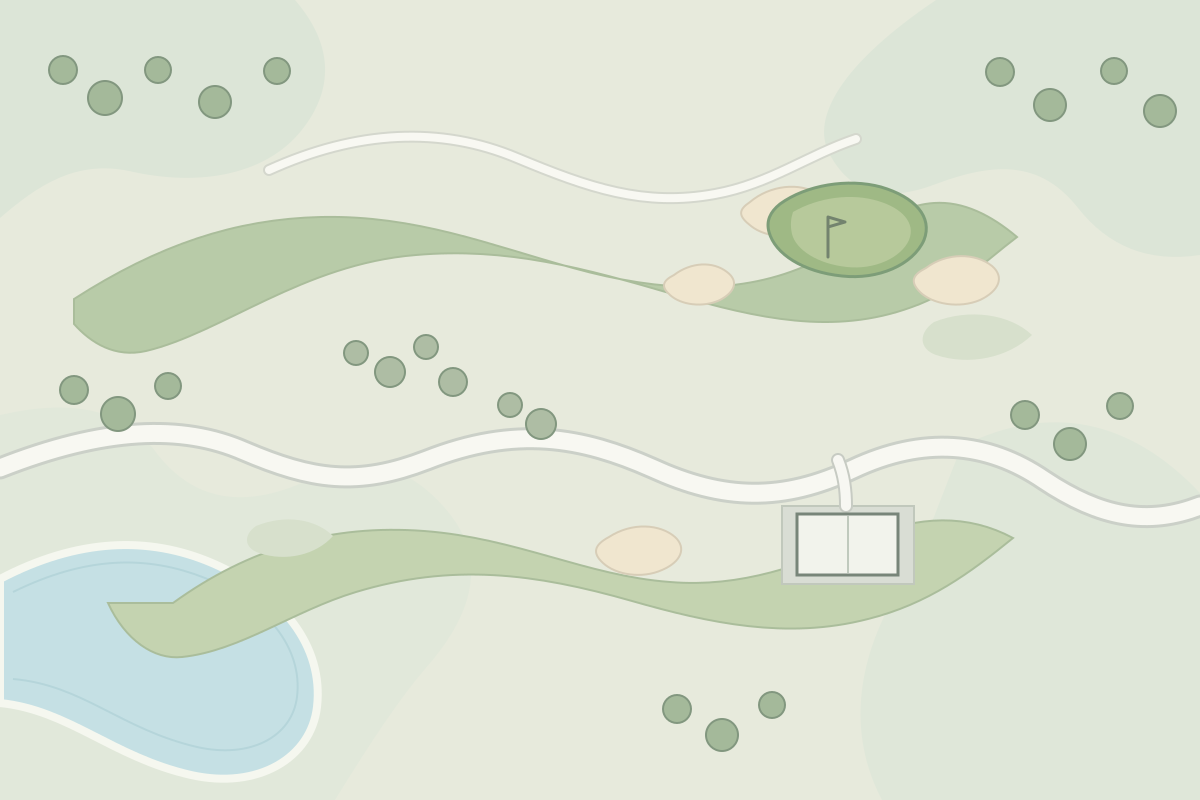
Interactive examples. All changes stay in this browser tab.
What changes in daily work
A QR code at the tee opens the report form with no app and no account, for guests too. The hole and its location are already filled in; the report goes to the team the hole is assigned to.
The board, list and map show open reports and due work. Each person chooses per reason whether notifications arrive by email, in the app or both, optionally also as a push notification.
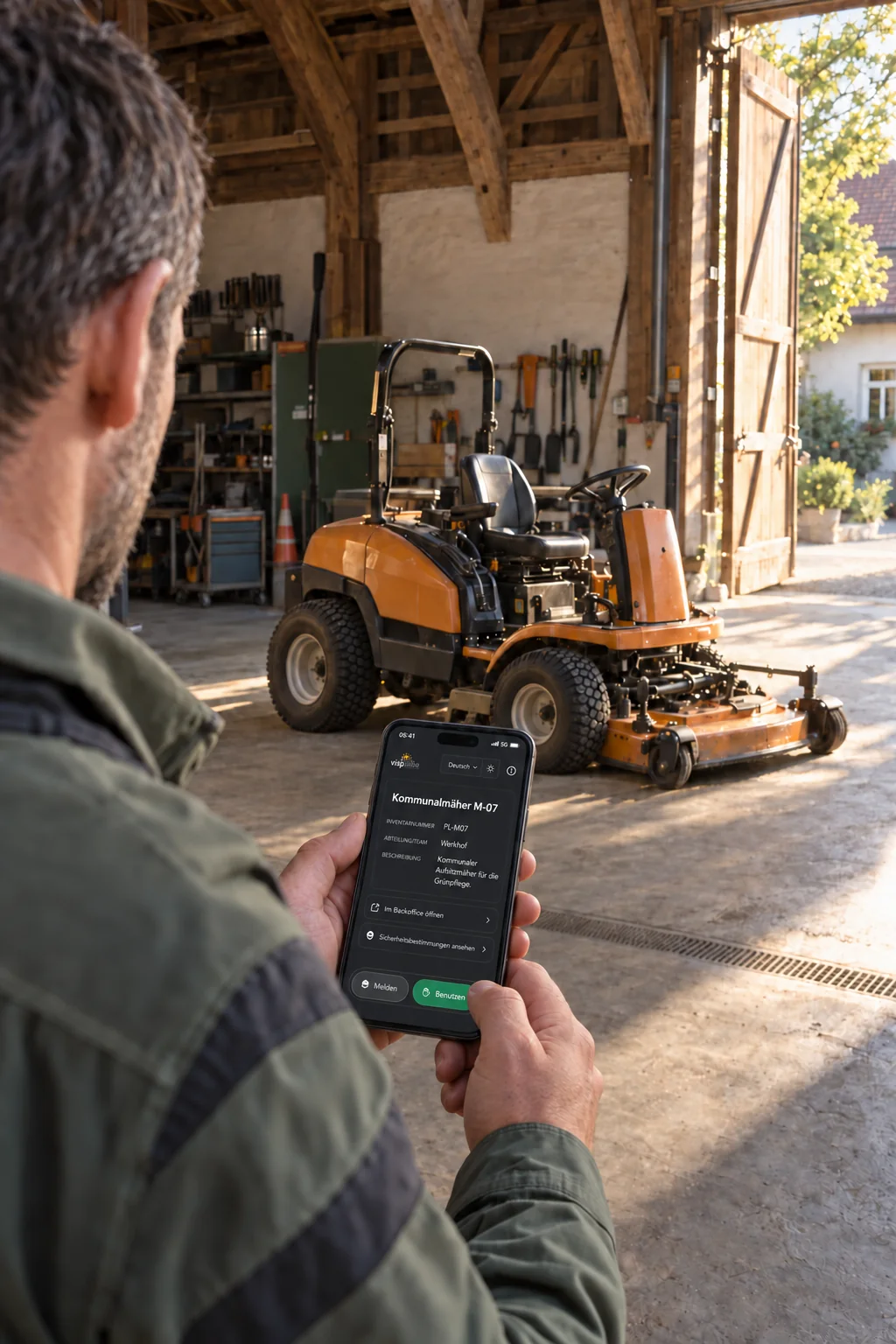
QR labels connect mowers and vehicles with checklists, maintenance dates and history. A defect found during a check becomes a report on the machine.
Practical examples
For golf courses and greenkeeping
For public works teams
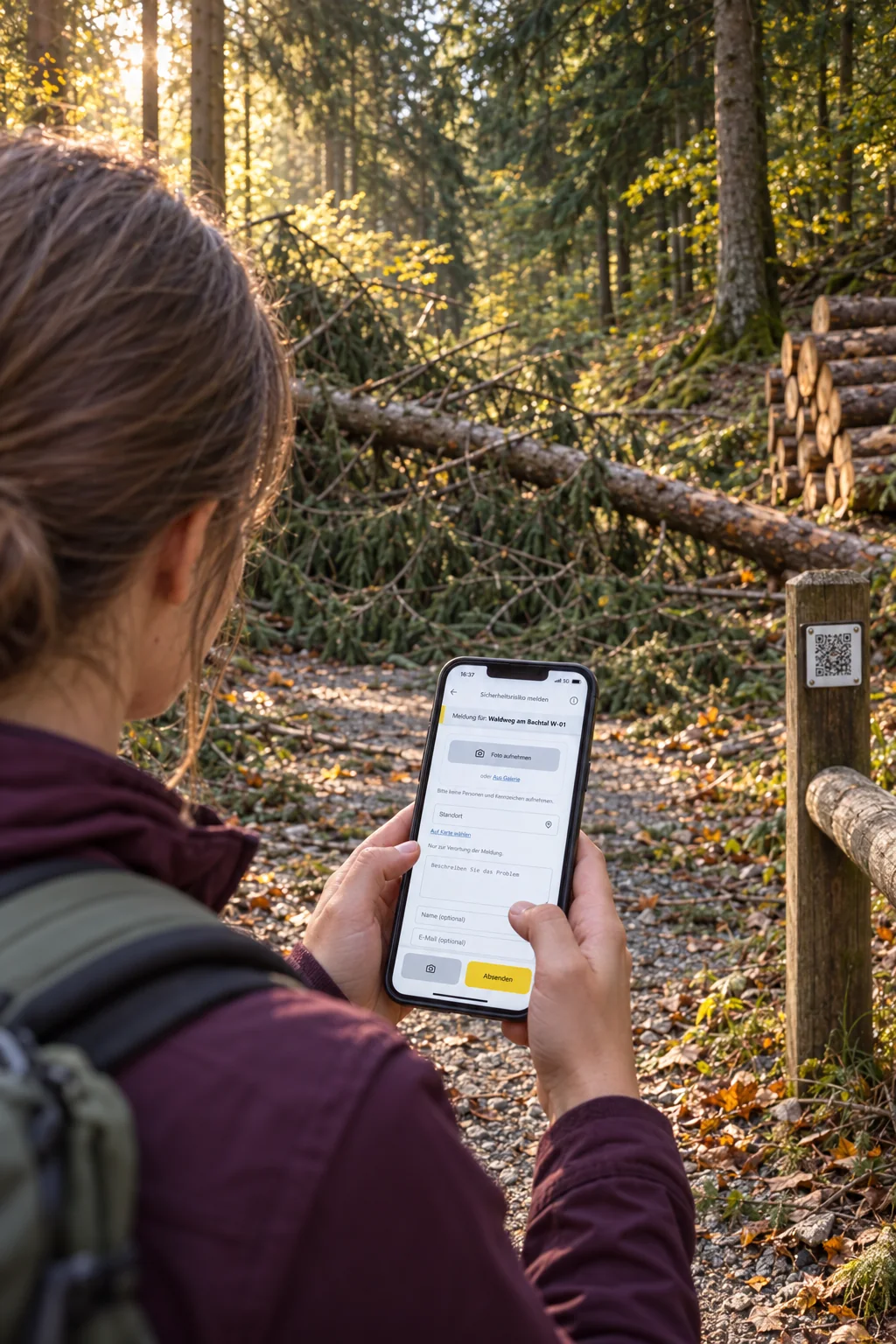
For forestry operations
For golf courses and greenkeeping
Members and guests see the whole course on every round. A QR code at the tee brings what they notice straight to the greenkeeping team, and your team has machines and checks in the same overview.
See the workflowFor everyday work on site
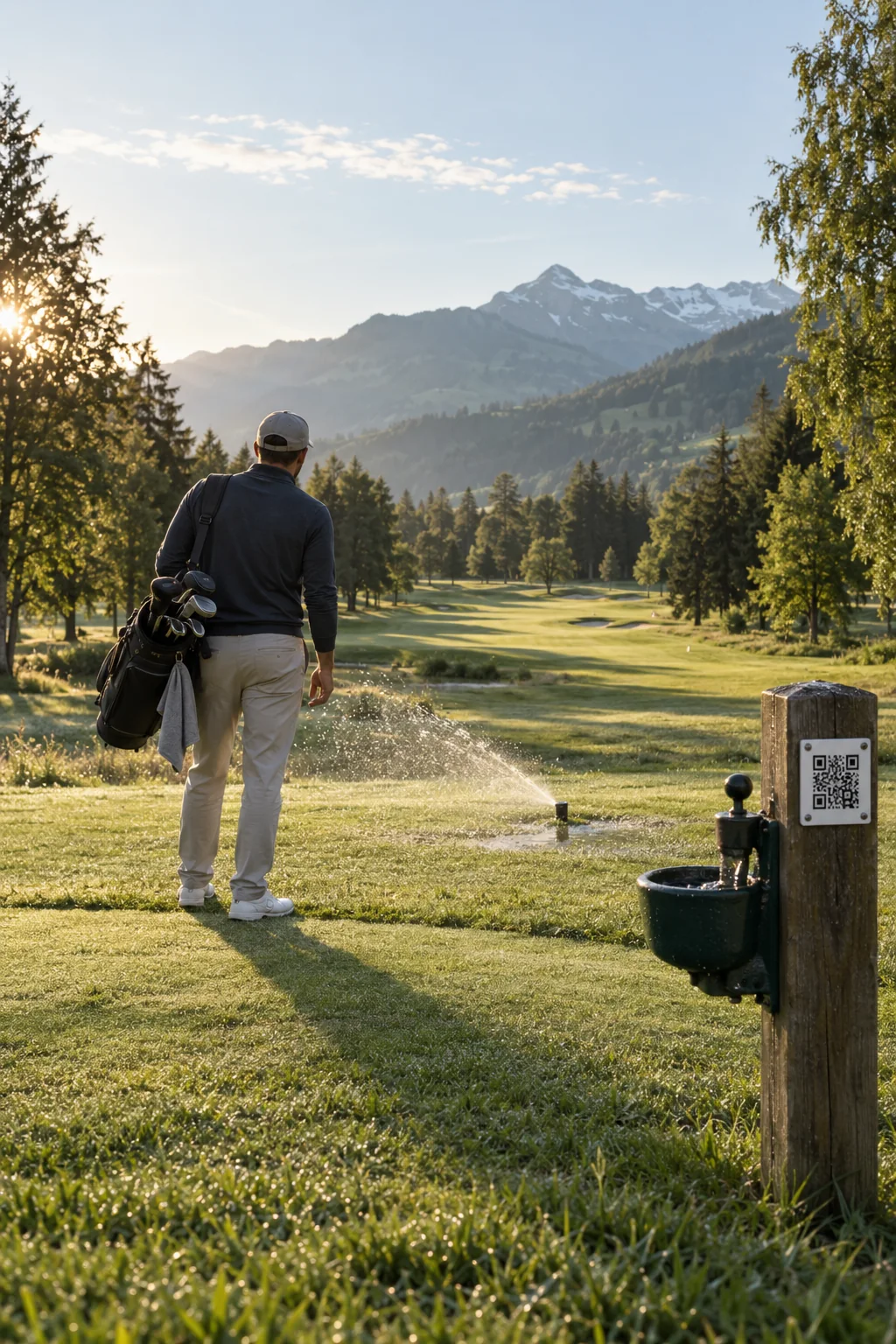
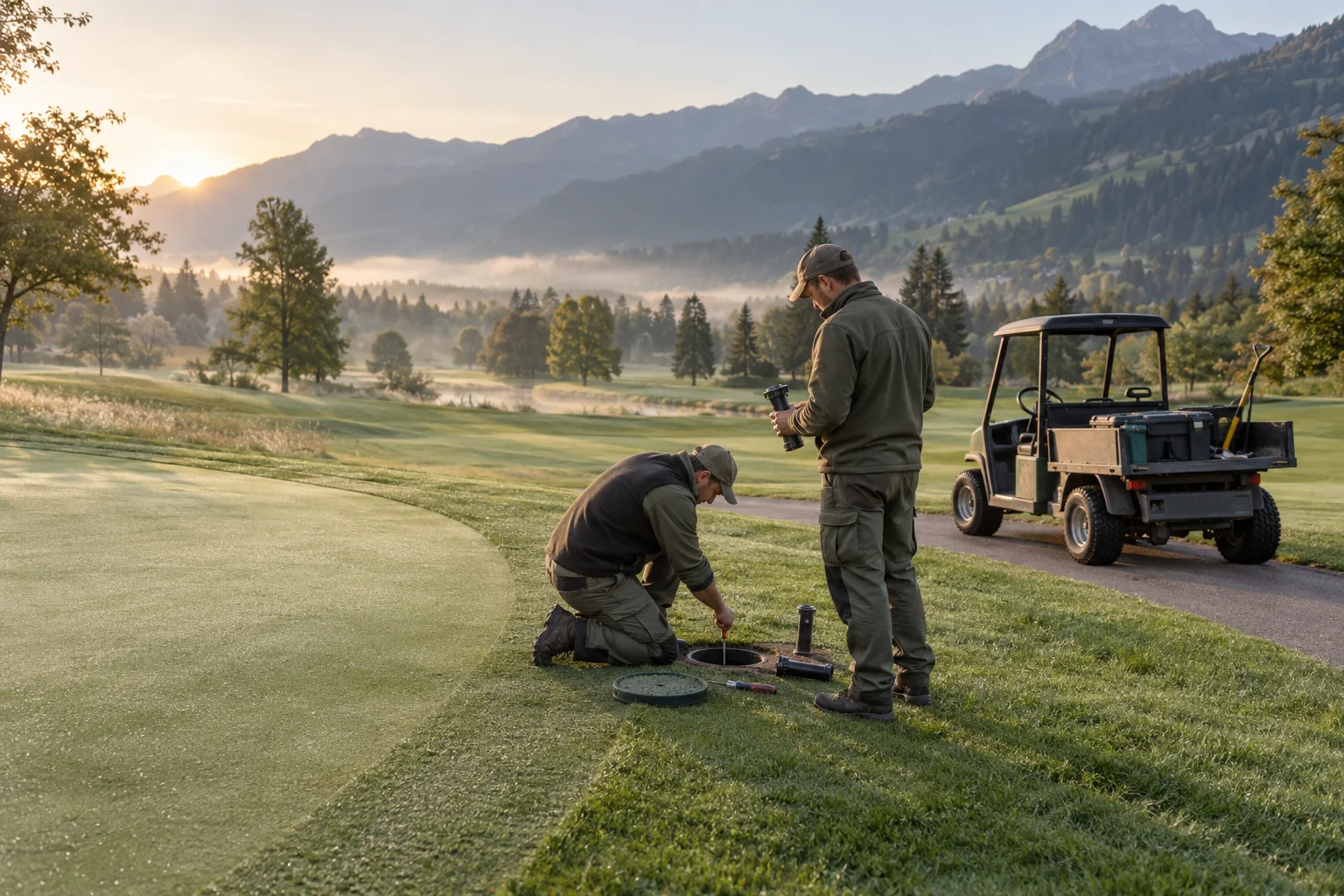
A leaking sprinkler, a washed-out bunker or a branch on the fairway is often noticed first during a round. The QR code at the tee opens the hole’s page with course notes and the report form, with no app and no account. The report carries the hole and its location and goes to the team the hole is assigned to. Mowers and vehicles get their own QR labels with checklists, maintenance dates and history.
After the scan
A QR code opens the public asset page. People can find information about the place and start a report if needed.
Greenkeeping
Welcome to hole 7. Please replace divots and repair pitch marks on the green. Is a sprinkler leaking, a branch in play or something damaged? Thank you for every report through the form.
Try reporting an issueExample: the course notes are in the asset description.
The QR code at the tee opens the hole’s page. Anyone who notices something, guests included, reports it there with no app and no account. The hole and its location are already filled in; the pin can be moved to where you are standing.
The report goes to the team the hole is assigned to. Each person chooses whether they hear about it by email, in the app or both, with push notifications on their phone if they want them. The board and list show what is open; the map shows on which hole.
Mowers and vehicles carry their own QR labels. Authorised staff complete the due checklist right at the machine; a defect becomes a report on the asset. Recurring maintenance, such as backlapping the reels every month, appears on the board when it is due.
Any more questions?
No. A QR code or link opens the form directly in the browser. Residents, staff and tenants can submit a report without installing an app or creating an account.
Open in the FAQAfter submission, they receive a confirmation with a private link. They can use it to follow progress or withdraw their report. Email notifications can also be used when the relevant contact details have been provided.
Open in the FAQThe current platform requires an internet connection. Offline capture with later synchronisation is in preparation.
Open in the FAQYes. Per category you set a checklist and its rhythm, for example every three months; a single asset can have its own list. A due checklist appears as a report on the board. Authorised staff scan the QR code on the asset and fill it in on site; a defect becomes a report on the asset straight away. A completed checklist is never changed again and stays in the history of the asset as proof. The public does not see it.
Open in the FAQThe next step
Explore Power Local with sample data from everyday work on site.
For public works teams
Organise reports, internal tasks and equipment so your team can get on with the work on site.
See the workflowFor everyday work on site
Planned work and reports from residents come together at the municipal depot. Reports submitted through QR codes on public facilities are already linked to the relevant asset. Your team assigns tasks, sets due dates and records completion.
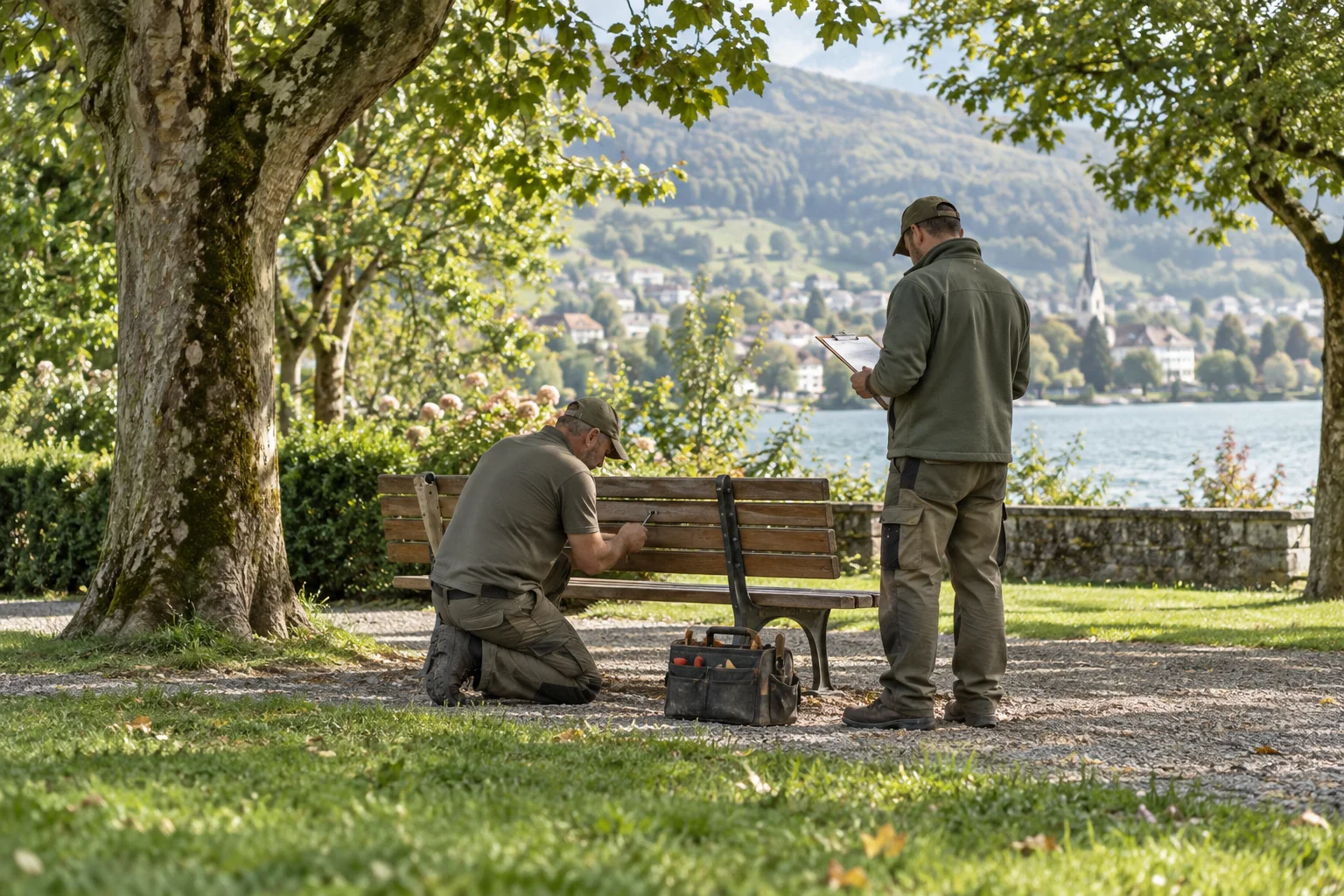
Handle incoming reports and create internal tasks in the same overview. You can also record an issue received by phone as a report.
Assign tasks to a person and set suitable deadlines. The board and filters help you spot open and overdue work.
Record follow-up questions, work carried out and completion in the report. Linked reports and tasks remain accessible from the inventory asset for future visits.
Any more questions?
Yes. The team can create internal tasks directly, assign them to a person and set a due date. They are organised in the same workspace as incoming reports.
Open in the FAQStaff can enter these issues in the platform themselves. Responsibility, status, comments and subsequent work then follow the same workflow. This does not imply an automatic import from an email inbox.
Open in the FAQYes. Inventory assets can have their own QR labels. A report started from a label retains its link to the asset; linked reports and tasks remain accessible from that asset's entry. The inventory also supports recording check-outs and returns.
Open in the FAQThe current platform requires an internet connection. Offline capture with later synchronisation is in preparation.
Open in the FAQThe next step
Explore Power Local with sample data from everyday work on site.
For forestry operations
Keep jobs, machines and reports from the forest together, even when the team is spread across the whole district.
See the workflowFor everyday work on site
Forest roads, barriers, fire pits and machines are spread across the district. Record them as assets and link the relevant reports and tasks. QR labels take people on site to the right entry. The operations manager plans the jobs, and the team records the work carried out.
After the scan
A QR code opens the public asset page. People can find information about the place and start a report if needed.
Forestry operation
You are on a managed forest road. Please observe the barriers while felling is under way. Is a tree blocking the way or a sign damaged? Share your report with us.
Try reporting an issueExample of a place in the forest that is open to the public.
Record roads, barriers, fire pits and machines with their locations. A QR label takes people on site directly to the relevant asset page.
Handle internal tasks and incoming reports in one shared overview. Decide who will take on each job and when the work should be completed.
Record completed work, photos and outstanding questions in the report. The asset’s history helps your team prepare for its next visit.
Any more questions?
Yes. Start with the scope your team needs for everyday work. Modules such as tasks, inventory and files can be enabled for each installation. There are no per-user fees.
Open in the FAQYes. The team can create internal tasks directly, assign them to a person and set a due date. They are organised in the same workspace as incoming reports.
Open in the FAQYes. Inventory assets can have their own QR labels. A report started from a label retains its link to the asset; linked reports and tasks remain accessible from that asset's entry. The inventory also supports recording check-outs and returns.
Open in the FAQThe current platform requires an internet connection. Offline capture with later synchronisation is in preparation.
Open in the FAQThe next step
Explore Power Local with sample data from everyday work on site.
Licence packages for golf courses
Compare the licence packages. We clarify the course, machines and tasks for your quote. All current modules and unlimited users and reports are included, seasonal greenkeeping staff too.
For starting with one golf course. The appropriate scope is clarified together.
Indicative licence price; scope agreed by quote.
CHF 1,188 annually · excl. VAT
One-time standard setup from CHF 490
A guide for operators with up to 5 sites. We clarify your scope and the appropriate quote together.
Indicative licence price; scope agreed by quote.
CHF 2,388 annually · excl. VAT
One-time standard setup from CHF 990
For groups with several courses and special requirements.
A quote that fits your needs.
Setup based on scope
Prices exclude VAT, billed annually in advance, hosting separate. Setup with installation, logo, colours and basic configuration included; data migration, training and custom changes as required.
Planning your introduction
Begin with the tees where notes from the round should arrive and with the machines that are checked regularly. Clarify categories, locations and the asset information you need.
Decide which team looks after which holes and who records, assigns and closes work. Due dates and status help when the team keeps them up to date in the same flow.
Plan weatherproof QR plaques and the team introduction, and check signal at the tees where guests scan. Power Local can be installed like an app on a phone, and your team can enable push notifications. QR reports and inspections need a connection. Existing data is agreed separately.
Before you decide
No. The QR code opens the page in the browser. A photo and contact details are optional.
Yes, by email to the team the hole is assigned to. Each person can also choose “In the app” per reason and switch it on as a push notification for their phone, on an iPhone in the installed app.
Yes. Checklists and their rhythm are set for categories or individual machines. A due check appears as a report on the board; a defect recorded during it becomes a report on the machine.
You can switch on status emails: golfers who left an email address in the form then hear when their report is in progress and when it is resolved.
Your data is hosted by the agreed provider. Before setup, we clarify the hosting location, backups and responsibilities for ongoing operation.
The next step
Tell us about your tasks, the people involved and your scope. We can go through open questions in an optional video walkthrough.