Create a shared reporting route
Teachers and other users report problems with room or object context. A link or QR code opens the form in their browser.
 powerlocal.
For schools and facilities
So your caretaking team knows what is happening where. Reports, tasks and inspections stay linked to a room or facility. Administration and caretaking can see responsibility and progress in one shared history.
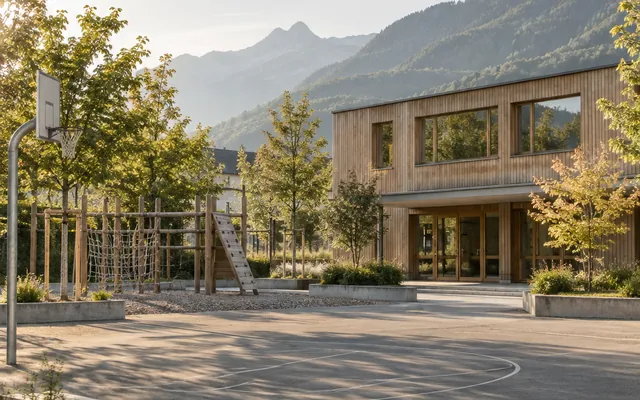
Your workspace could look like this
Does this sound familiar?
A report from a classroom reaches caretaking and maintenance. Who takes it on, and what has already been done?
Often scattered today
Connected with Power Local
Buildings, facilities and linked reports stay in view. Internal work stays separate from public information.
Sample data · interactive preview
Explore the interface with sample data. Your changes stay in this preview and are not sent to a team.
Your reports. With the right team.
Interactive examples. All changes stay in this browser tab.
What changes in daily work
Teachers and other users report problems with room or object context. A link or QR code opens the form in their browser.
Categories, departments and responsible people organise the report. Administration and caretaking retain responsibility and progress together. The people responsible are notified by email, in the app or both, as each person chooses; changes to watched reports arrive bundled.
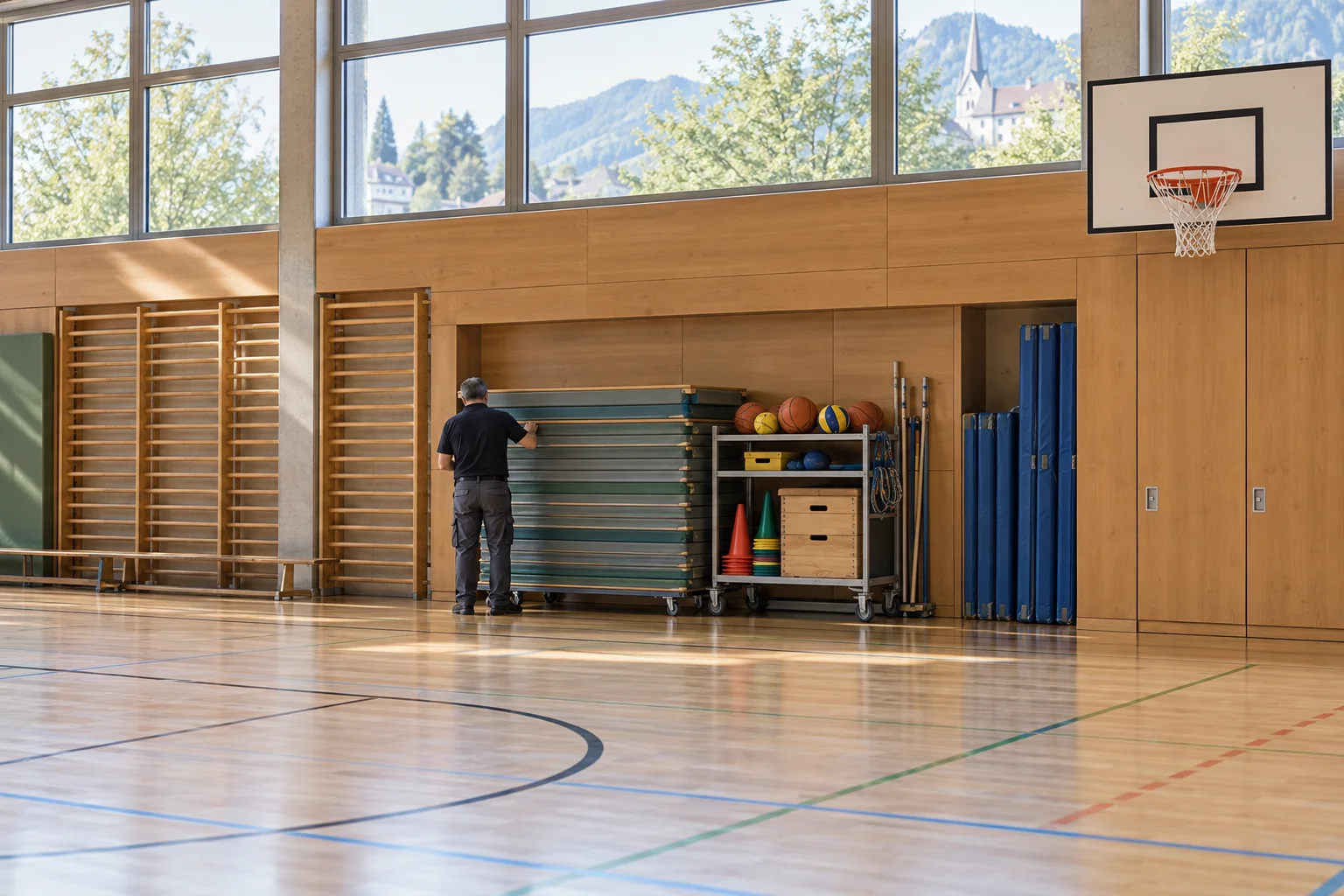
Inventory records connect equipment and facilities with their tasks and reports. For equipment that is lent out, the object shows who is using it now. Checklists support recurring inspections; documents remain accessible to authorised people.
Practical examples
For schools and facilities
Give teachers, caretakers and administrators a shared way to report problems with rooms, facilities and equipment.
See the workflow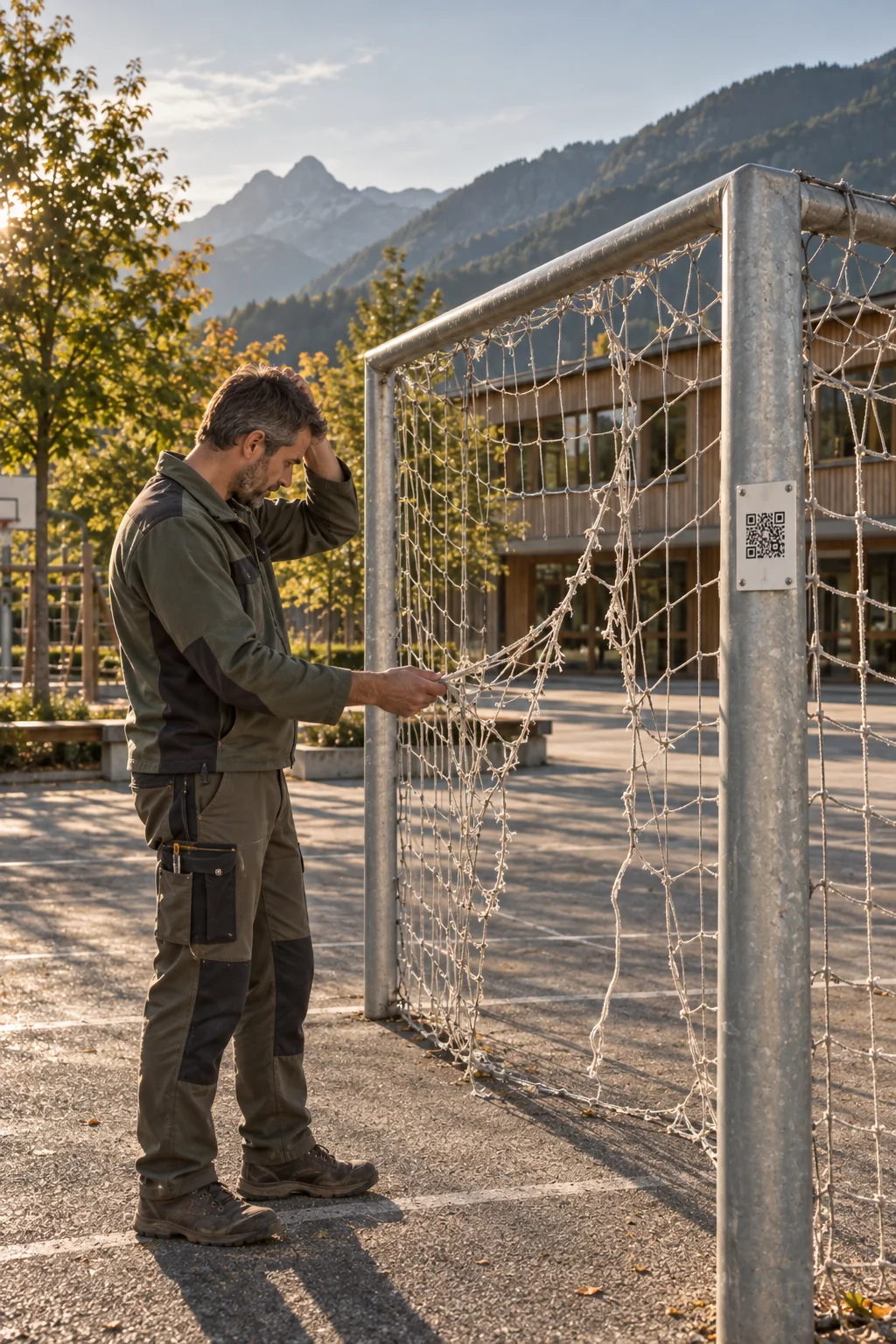
For everyday work on site
A QR code at the sports ground, in the school building or on a piece of equipment opens usage guidance and a report form. Teachers, clubs and other users can report faults or damage directly. The caretaking team takes on the reports and plans the work needed.
After the scan
A QR code opens the public asset page. People can find information about the place and start a report if needed.
Caretaking
Please keep access routes clear and be considerate of other users. You can report a damaged goal or a lighting problem here.
Try reporting an issueExample of a facility that is open to the public.
The public asset page explains how to use the facility or equipment. People can report a problem from there, already linked to the relevant asset.
Caretakers and administrators decide who will handle each report. They can add other work as internal tasks with due dates.
Link the report to the affected equipment and the documents needed. Another team member can then continue the work using the information already recorded.
Any more questions?
Yes. A QR code can open the public asset page. Visitors see its name, description, responsible departments and approved images. You can share playground guidance or construction project information, for example. An action on that page opens a report linked to the same asset.
Open in the FAQNo. A QR code or link opens the form directly in the browser. Residents, staff and tenants can submit a report without installing an app or creating an account.
Open in the FAQYes. Inventory assets can have their own QR labels. A report started from a label retains its link to the asset; linked reports and tasks remain accessible from that asset's entry. The inventory also supports recording check-outs and returns.
Open in the FAQFirst, we clarify your workflows, the teams involved and the scope you need. Standard setup covers installation, your logo, colours and basic configuration. Data migration, team introductions or training, and custom adaptations are scoped and charged separately according to the work involved.
Open in the FAQThe next step
Explore Power Local with sample data from everyday work on site.
For playgrounds and kindergartens
A QR code at the entrance gives parents, carers and visitors practical information about the playground and a simple way to report a problem.
See the workflow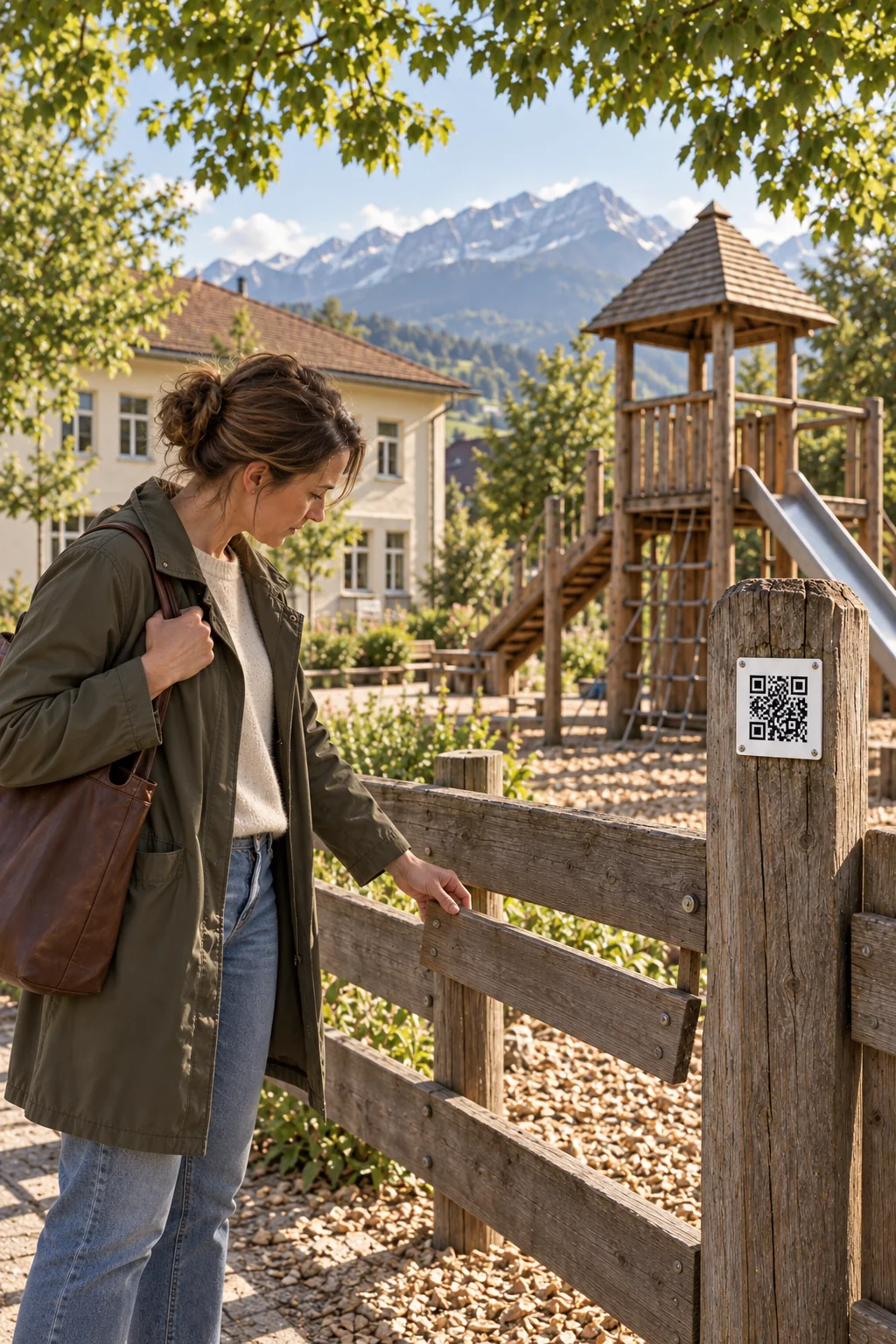
For everyday work on site
A loose wooden slat or broken glass beside the sandpit is often noticed by the people already there. The public asset page lets them read the visitor guidance and alert the responsible team. Their report is already linked to the right playground.
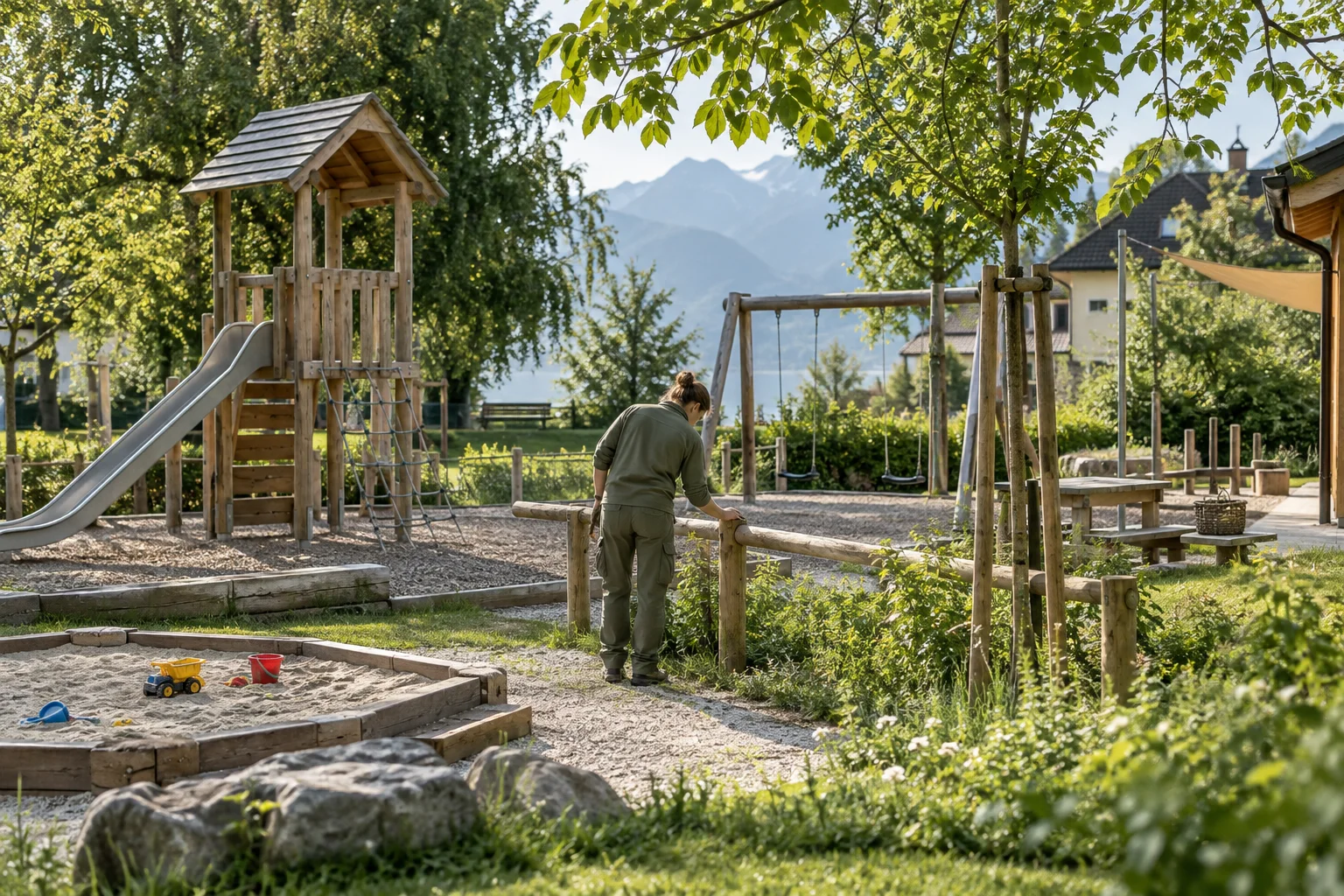
After the scan
A QR code opens the public asset page. People can find information about the place and start a report if needed.
Caretaking and public works
Welcome to our playground. Please be considerate of others and leave the area clean. Have you noticed damage or litter? Let us know.
Try reporting an issueExample: guidance for visitors is included in the asset description.
The QR code opens the playground’s public page, with its description and published pictures. Your team keeps the visitor guidance up to date there.
Parents and carers open the report form on the same page. The playground and its saved location are already linked. An optional photo helps explain the problem.
The caretaking or public works team takes on the report, assigns responsibility and priority, and records the work. The person who submitted it can follow its status through their private report link.
Any more questions?
Yes. A QR code can open the public asset page. Visitors see its name, description, responsible departments and approved images. You can share playground guidance or construction project information, for example. An action on that page opens a report linked to the same asset.
Open in the FAQNo. As long as the asset and QR code remain active, the existing code continues to lead to the same asset. Your team can maintain its description and images in the platform. Updated information appears the next time the page is opened, without reprinting the sign.
Open in the FAQNo. A QR code or link opens the form directly in the browser. Residents, staff and tenants can submit a report without installing an app or creating an account.
Open in the FAQAfter submission, they receive a confirmation with a private link. They can use it to follow progress or withdraw their report. Email notifications can also be used when the relevant contact details have been provided.
Open in the FAQThe next step
Explore Power Local with sample data from everyday work on site.
Packages for schools and facilities
The number of your sites determines the appropriate package. All current modules and unlimited users and reports are included; larger scope is quoted individually.
For a school or facility. Sites: up to 1.
CHF 1,188 annually · excl. VAT
One-time standard setup from CHF 490
For schools and facilities across up to 5 sites.
CHF 2,388 annually · excl. VAT
One-time standard setup from CHF 990
For larger campuses and requirements across sites.
A quote that fits your needs.
Setup based on scope
Prices exclude VAT, billed annually in advance, hosting separate. Setup with installation, logo, colours and basic configuration included; data migration, training and custom changes as required.
Planning your introduction
Choose the school buildings, sports facilities and equipment to start with. Clarify shared sites and the object information you need.
Define how teachers give reports and who assigns them. Roles and permissions reflect administration and caretaking tasks.
Agree QR labels, released information and team introduction. Caretaking staff can install the workspace on a phone like an app and get in-app notifications as push notifications if they wish. Data migration, training and individual customisation are planned separately.
Before you decide
This application focuses on reports, tasks, inventory and documents around school buildings and facilities. Teachers, administration and caretaking share the reporting and handling process for maintenance.
No. Object-related checklists are used by authorised staff. Only released object information is public; internal tasks and documents follow access permissions. If you choose, the public object page shows the date of the last check, without results or names.
Yes. Facilities and equipment can be recorded as inventory objects with QR labels. Reports and tasks retain their object context, and checklists can be defined for categories or individual objects.
You can switch on status emails: people who left an email address in the form then hear when their report is in progress and when it is resolved.
Which sites belong to the installation, which teams are responsible and how reports are assigned. Categories, object information, access and installation scope are then defined together.
The next step
Tell us about your tasks, the people involved and your scope. We can go through open questions in an optional video walkthrough.