Record installations and locations
Add hydrants, valves, inspection chambers and other installations to the inventory with their locations. A QR label on the installation opens the relevant asset page.
 powerlocal.
For water and utility networks
Keep inspections, maintenance and faults on hydrants, inspection chambers and other installations together in each asset’s record.
See the workflow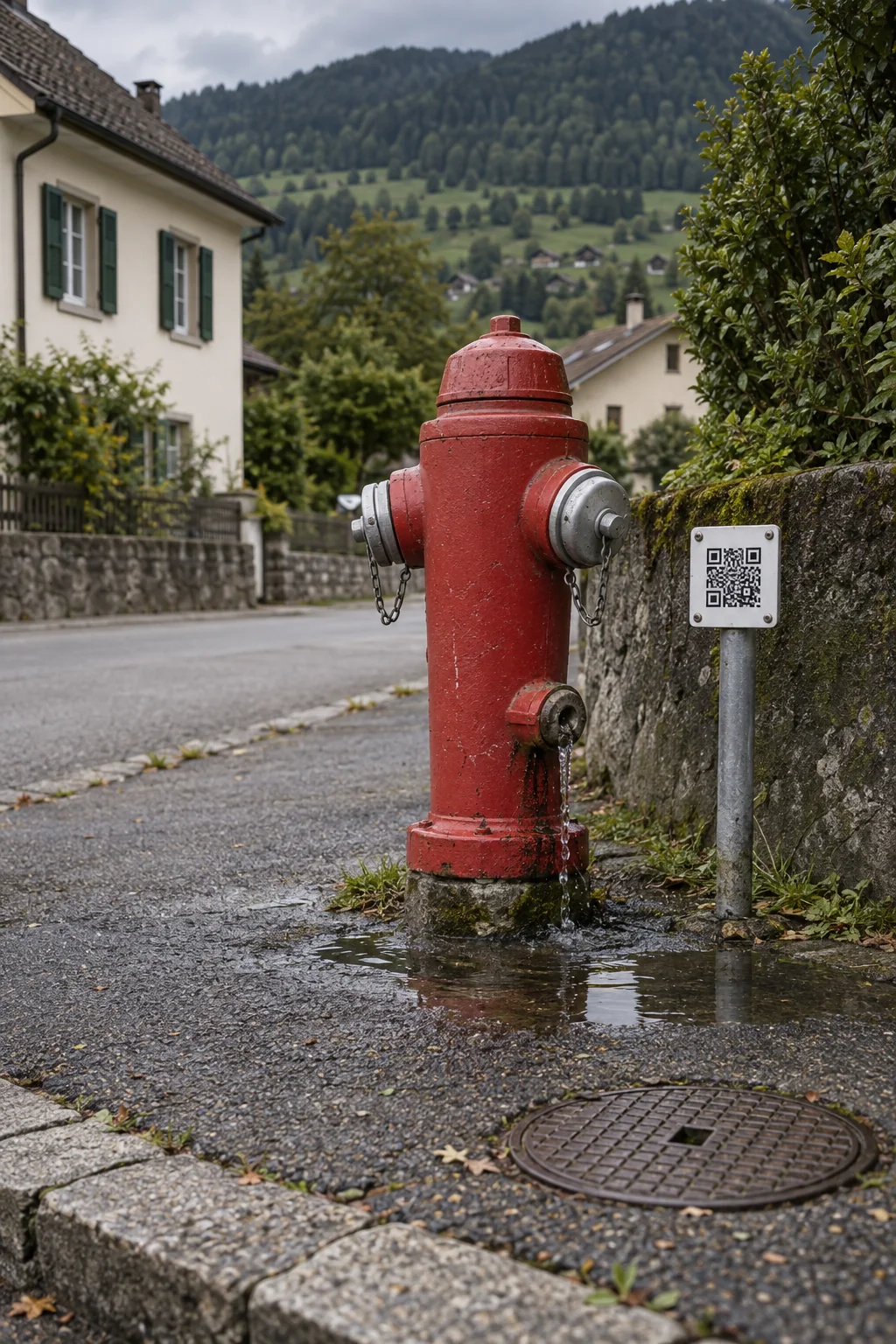
For everyday work on site
Hydrants, valves, inspection chambers, reservoirs and pumping stations are spread across the supply area. Your team uses the QR code to open the relevant asset record and complete due checklists on site. Recorded inspections and faults give the water utility an overview of the work ahead.
Add hydrants, valves, inspection chambers and other installations to the inventory with their locations. A QR label on the installation opens the relevant asset page.
Set the checkpoints and inspection interval for a category or an individual asset. Authorised team members complete the due checklist on site. Recorded defects become reports linked to the installation.
Link fault reports, repairs and documents to the affected installation. On the next visit, your team can see what has already been done, even when a different person takes over.
Any more questions?
Yes. Per category you set a checklist and its rhythm, for example every three months; a single asset can have its own list. A due checklist appears as a report on the board. Authorised staff scan the QR code on the asset and fill it in on site; a defect becomes a report on the asset straight away. A completed checklist is never changed again and stays in the history of the asset as proof. The public does not see it.
Open in the FAQYes. Inventory assets can have their own QR labels. A report started from a label retains its link to the asset; linked reports and tasks remain accessible from that asset's entry. The inventory also supports recording check-outs and returns.
Open in the FAQYes. Roles and individual permissions can be managed, while departments reflect who is responsible for the work. You can decide who may handle reports, manage inventory or view particular folders.
Open in the FAQThe current platform requires an internet connection. Offline capture with later synchronisation is a possible extension that would need to be planned separately. It is not currently included as standard.
Open in the FAQMade for these places, too
The next step
Your field, scale and suitable plan: the key facts for your project. A live video demo is available if you would like one.