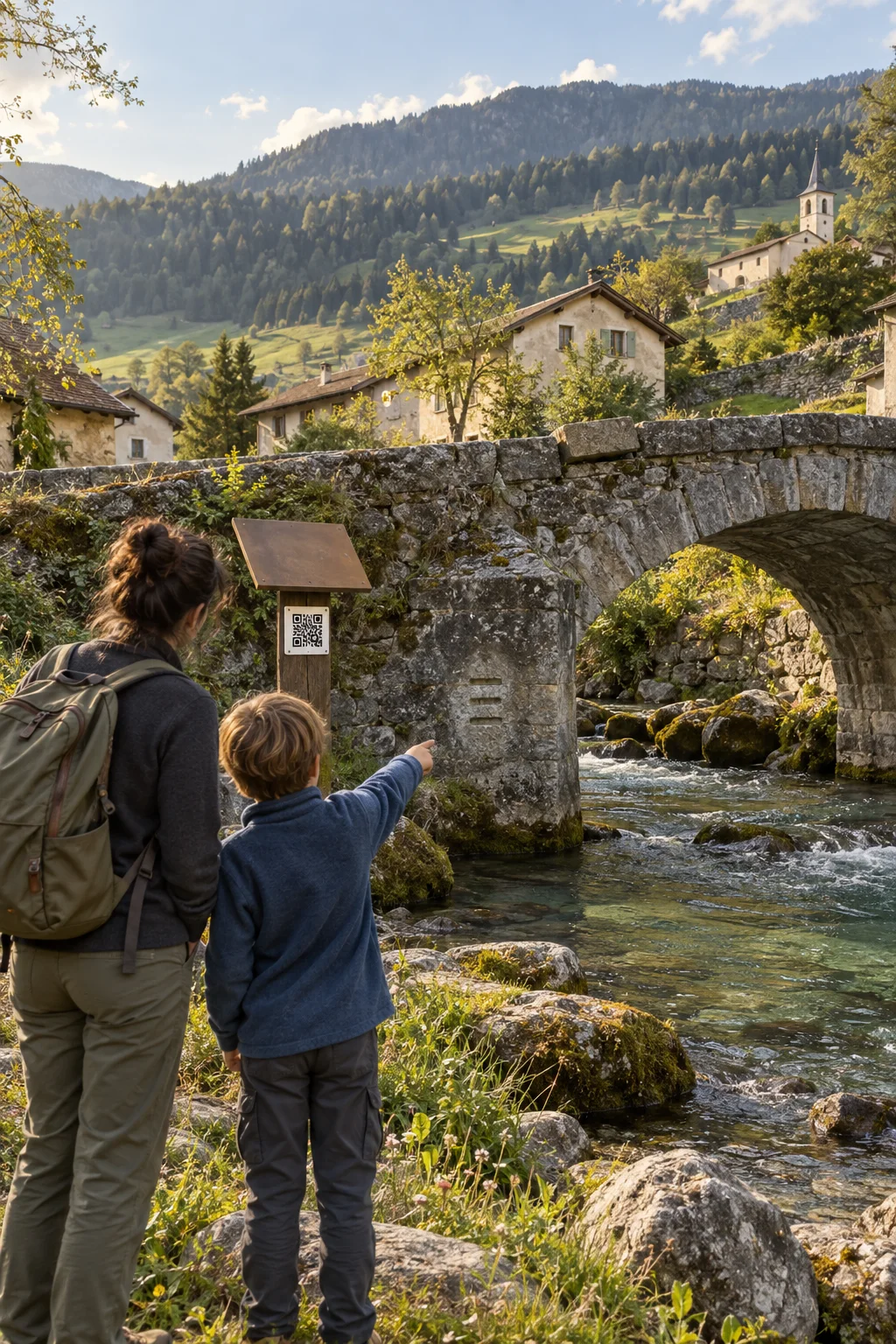
A QR code at a bridge, chapel or fountain invites local residents and visitors to discover the area’s stories. Right where they happened, with pictures and small details to look for, without an app or account.
A walk feels more personal when you know who lived here before and what traces they left behind. Your team connects stories, pictures and small clues with the places they belong to. Local residents see familiar surroundings anew; visitors get to know the area and its past. A short stop can become a conversation about what makes this place special.
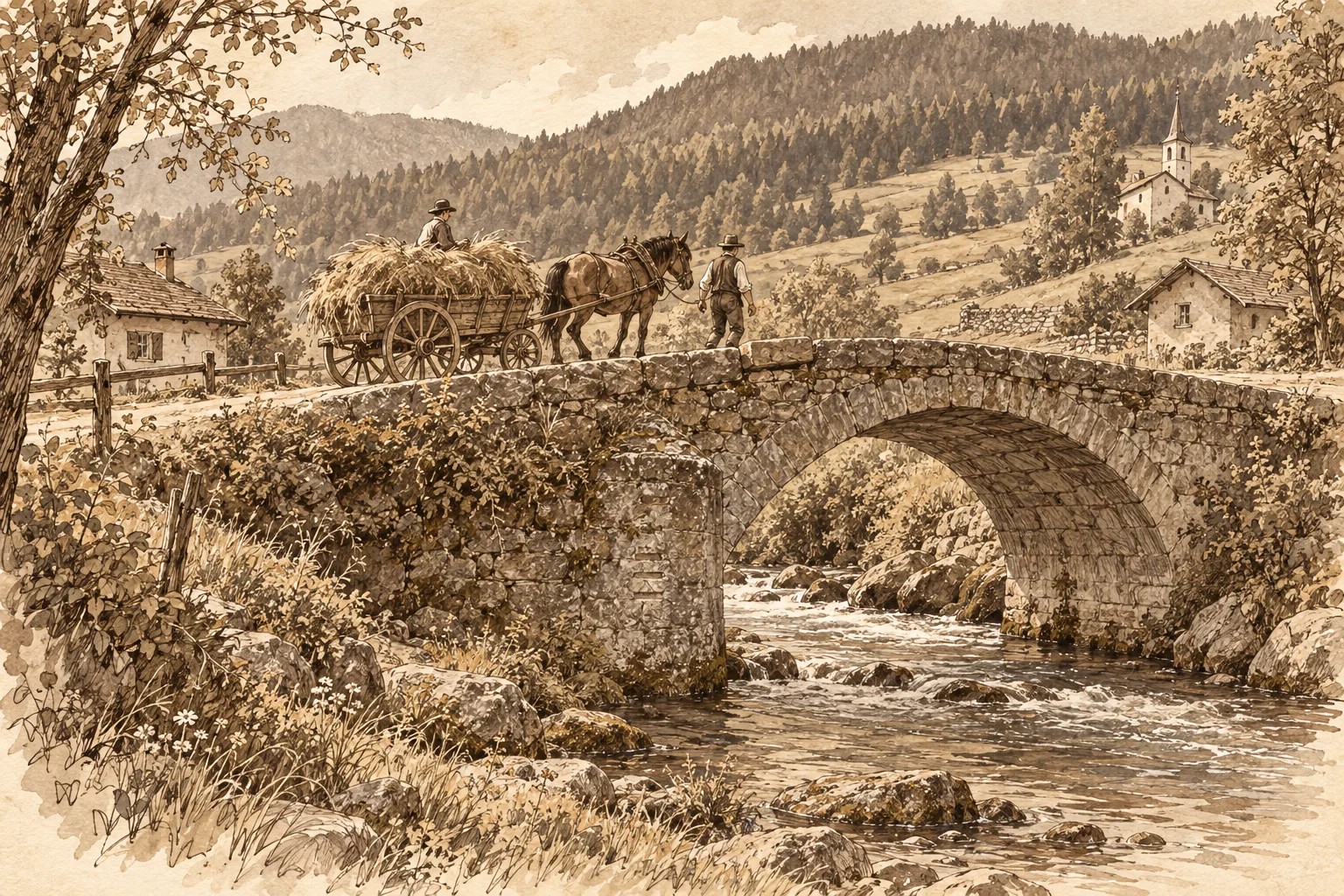
A glimpse into the past: how the bridge might have looked around 1900. An illustration, not an archival image.Illustrative scene · AI-assisted
The story behind the QR code
A story. Right where it happened.
A short text, pictures and a detail to discover invite people to look more closely. The public asset page connects the story with the place in front of them.
An old crossing over the stream. A piece of village history, waiting to be discovered right where you stand.
Explore the story
Since 1784 this bridge has linked the village to the meadows on the other bank. Horse-drawn carts once carried hay across the stream here. Look for the three flood marks on the upstream pier: they tell of floods the village remembered for years.
Interactive preview with a fictional local story and AI-generated images.
From the QR code to the story on site
01
Scan the QR code
You are standing by a bridge, chapel or fountain. The QR code opens the public asset page directly in your browser, without an app or account.
02
Discover the story
Read about what shaped the place and browse the pictures. A clue about flood marks, a coat of arms or an old doorway draws your eye to a detail you might otherwise have missed.
03
Pause and start a conversation
Look up from the screen at the place itself. What did it look like before? What has remained? Local residents and visitors can share their observations and see the place with fresh eyes.
For your local stories
What you need to tell stories where they happened.
Can a QR code show information before someone reports an issue?
Yes. A QR code can open the public asset page. Visitors see its name, description, responsible departments and approved images. You can share playground guidance or construction project information, for example. An action on that page opens a report linked to the same asset.
Do we need to replace the QR code when information changes?
No. As long as the asset and QR code remain active, the existing code continues to lead to the same asset. Your team can maintain its description and images in the platform. Updated information appears the next time the page is opened, without reprinting the sign.
Do people need an app or an account to submit a report?
No. A QR code or link opens the form directly in the browser. Residents, staff and tenants can submit a report without installing an app or creating an account.
How do people find out what happens to their report?
After submission, they receive a confirmation with a private link. They can use it to follow progress or withdraw their report. Email notifications can also be used when the relevant contact details have been provided.